
This guide explains how paid orders work on MixSSL: confirming your order, paying through secure Stripe checkout, and what happens in your account afterward. MixSSL does not store your full card number on its own servers — card entry happens on Stripe’s hosted payment page.
Before you start
- A verified MixSSL account (see account registration and email verification).
- A certificate selected from the catalog (see choosing the right certificate and term).
- A valid payment card for products with a positive price.
Step 1 — Confirm your order on the buy page
After you choose a certificate and term, the buy page shows the product name, price in pounds sterling (£), term length, and optional SAN counts. Review everything, then click Proceed.
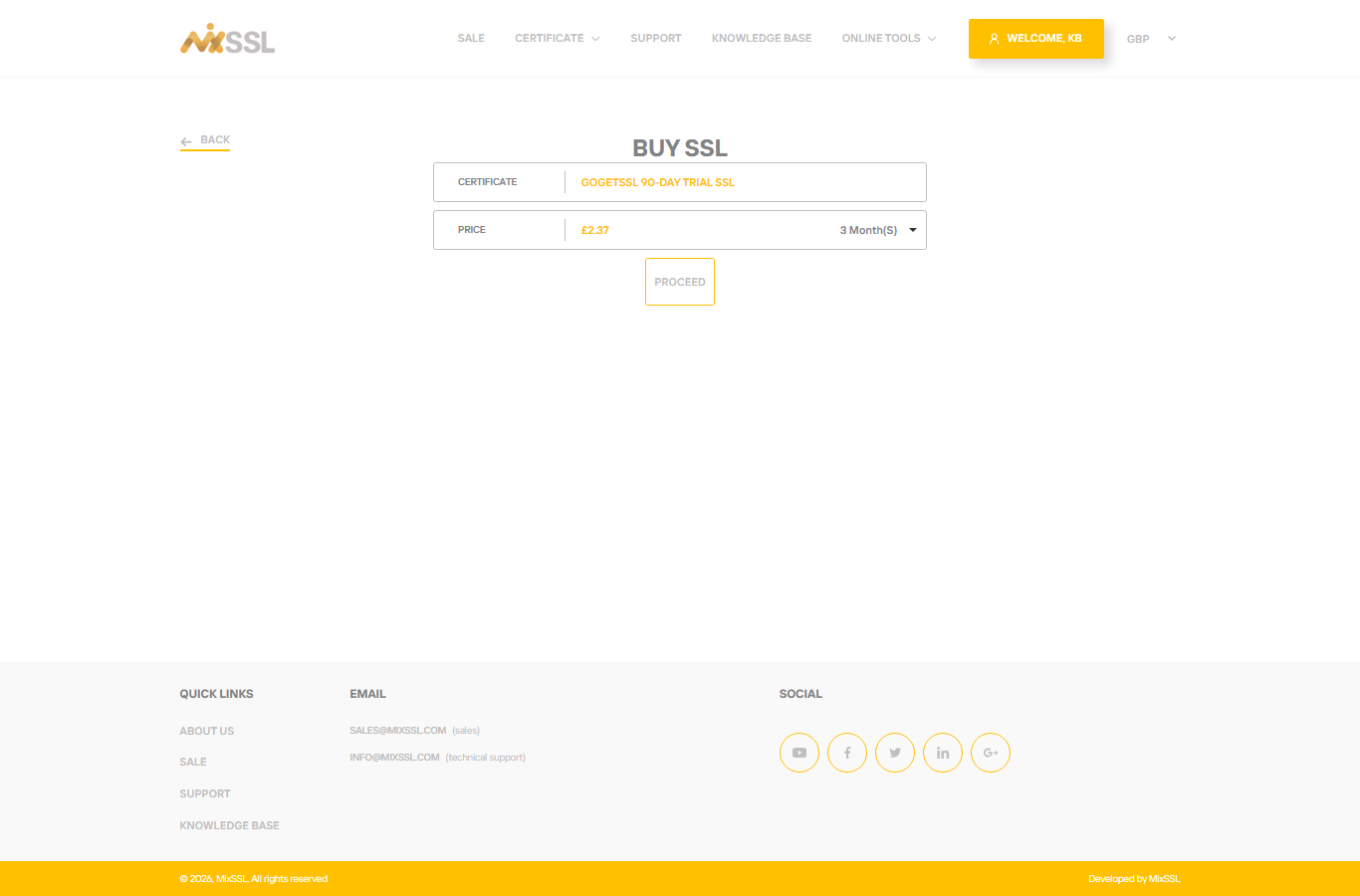
Step 2 — Accept the subscriber agreement
MixSSL opens a modal with the certificate authority subscriber agreement. Read the terms, tick I have read and agree to the terms of service, then confirm to continue to payment.
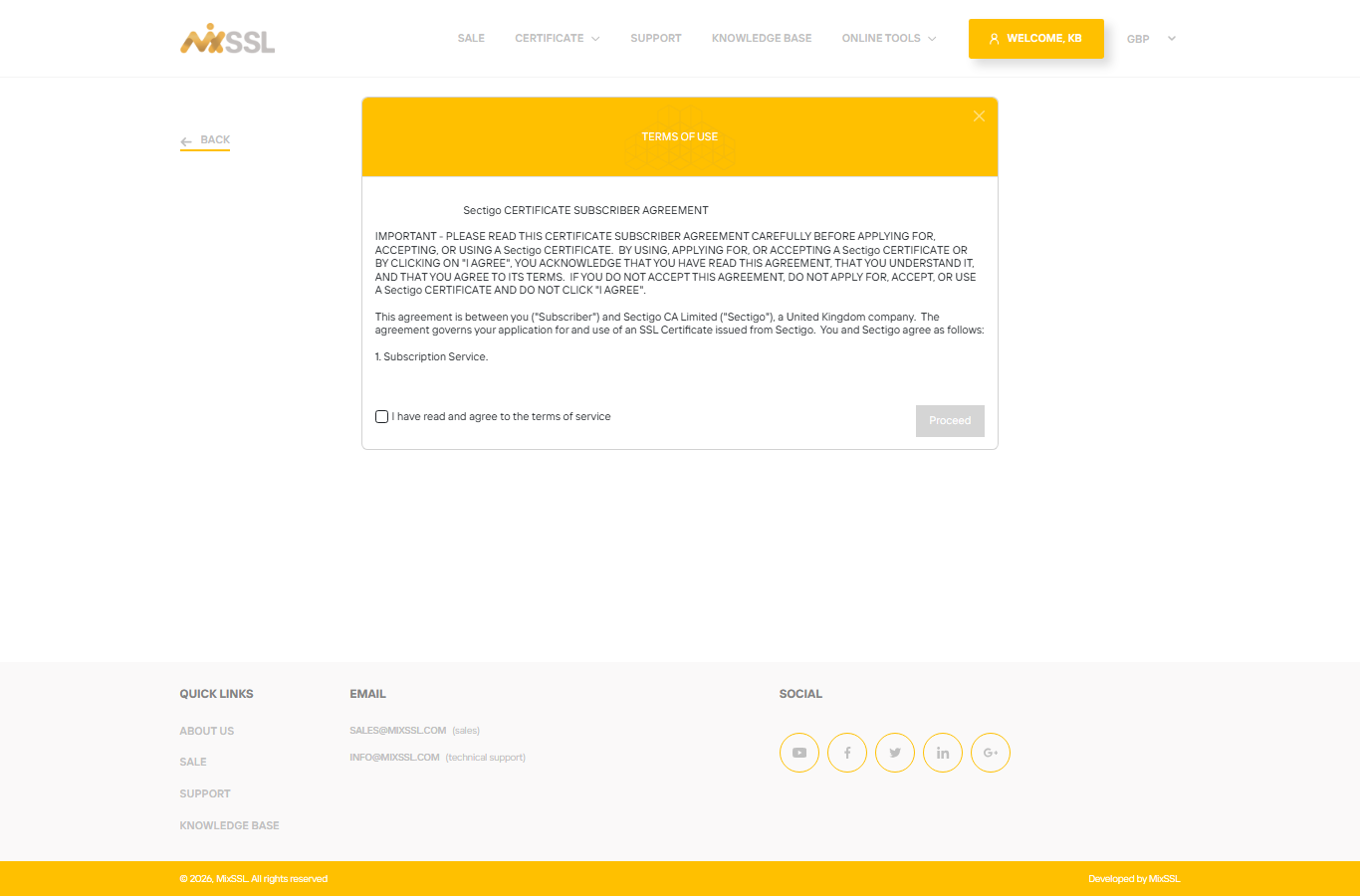
Step 3 — Pay with secure Stripe checkout
MixSSL redirects you to Stripe Checkout. Enter your card details on Stripe’s secure page. When payment succeeds, Stripe returns you to MixSSL automatically.
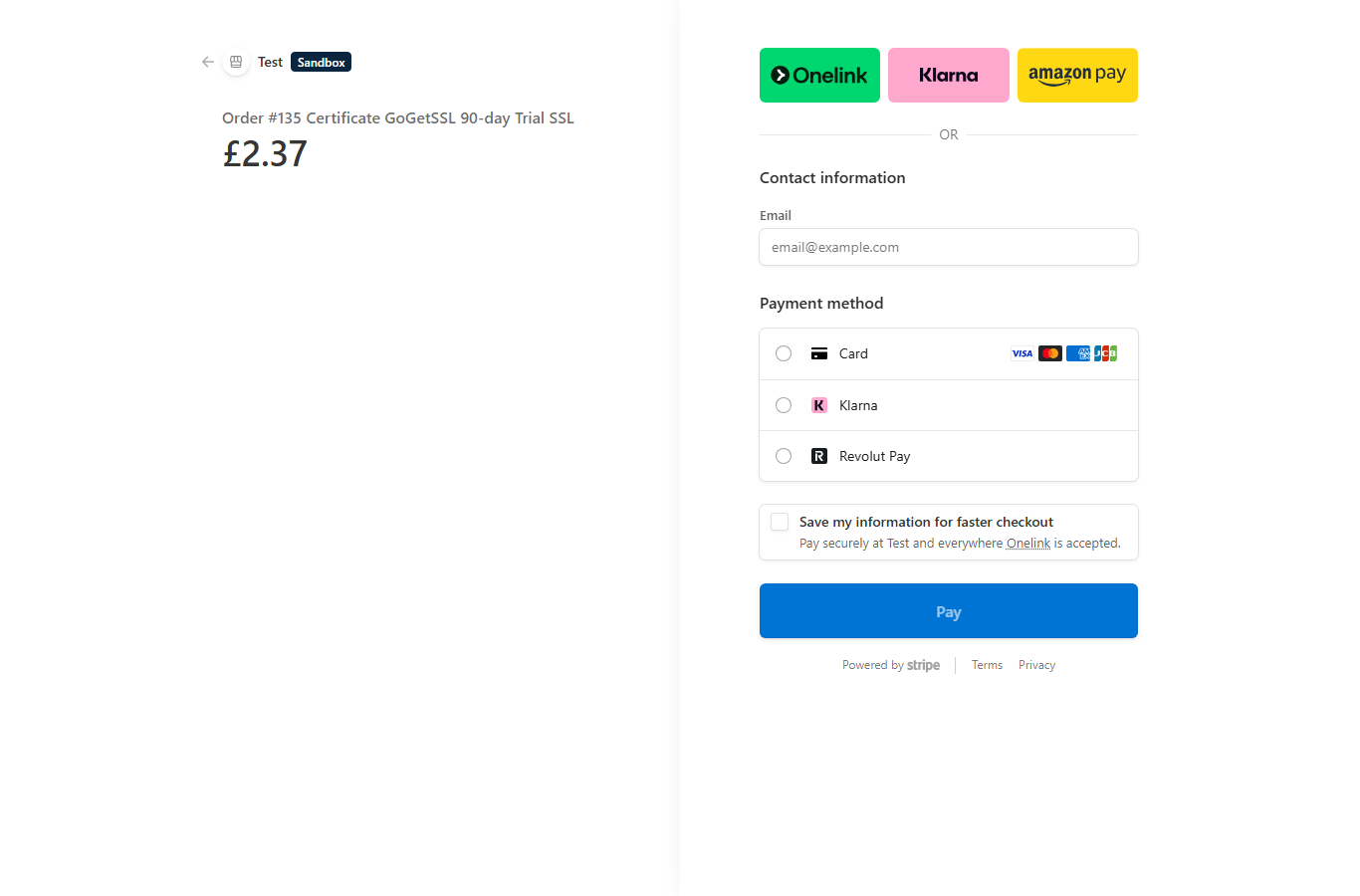
Step 4 — Continue in your account after payment
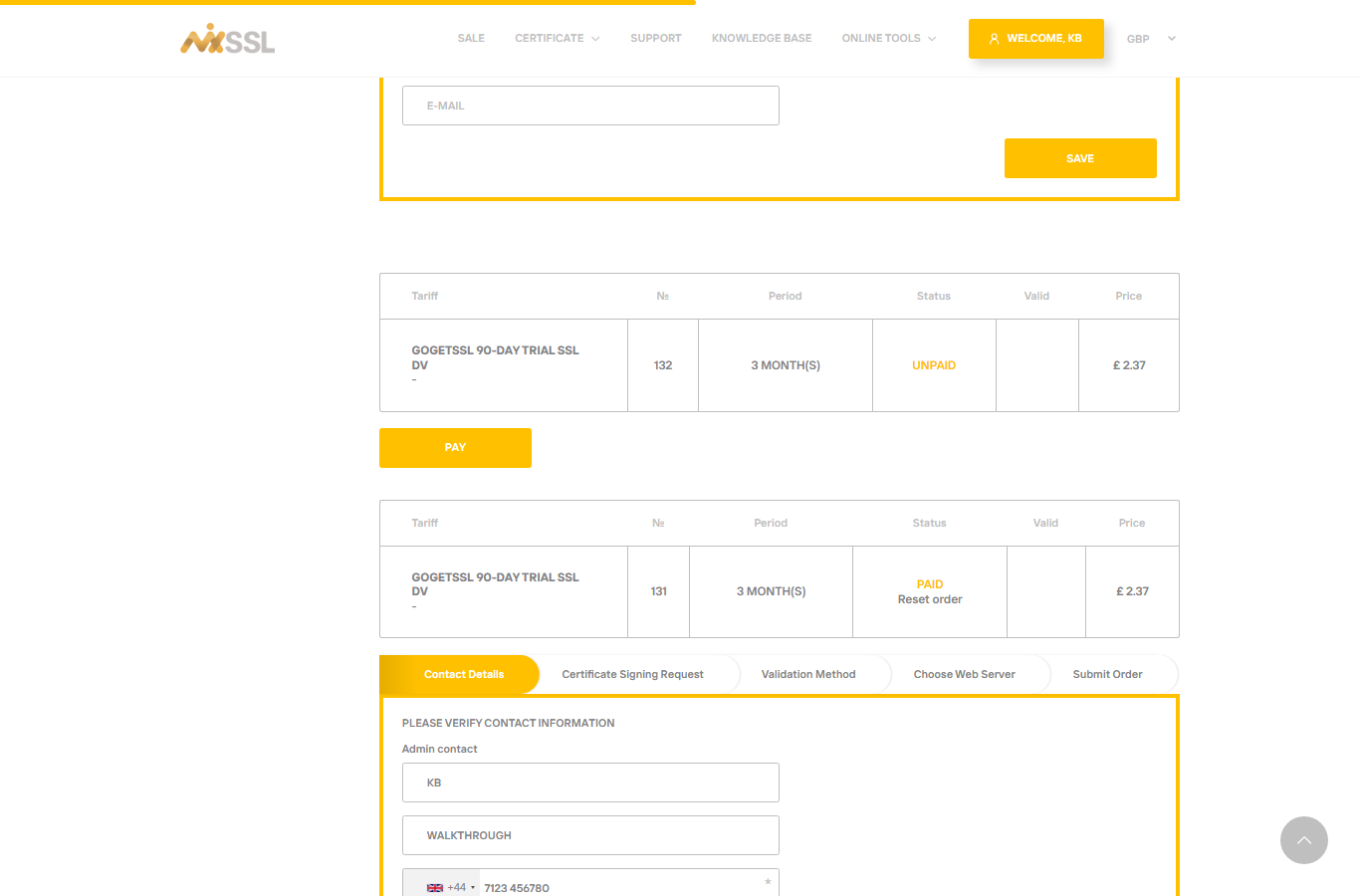
After a successful payment, open My account → SSL Certificates (/office). The order appears with status Paid. Complete the configuration wizard (contacts, CSR, validation method) as described in our CSR and domain validation walkthrough.
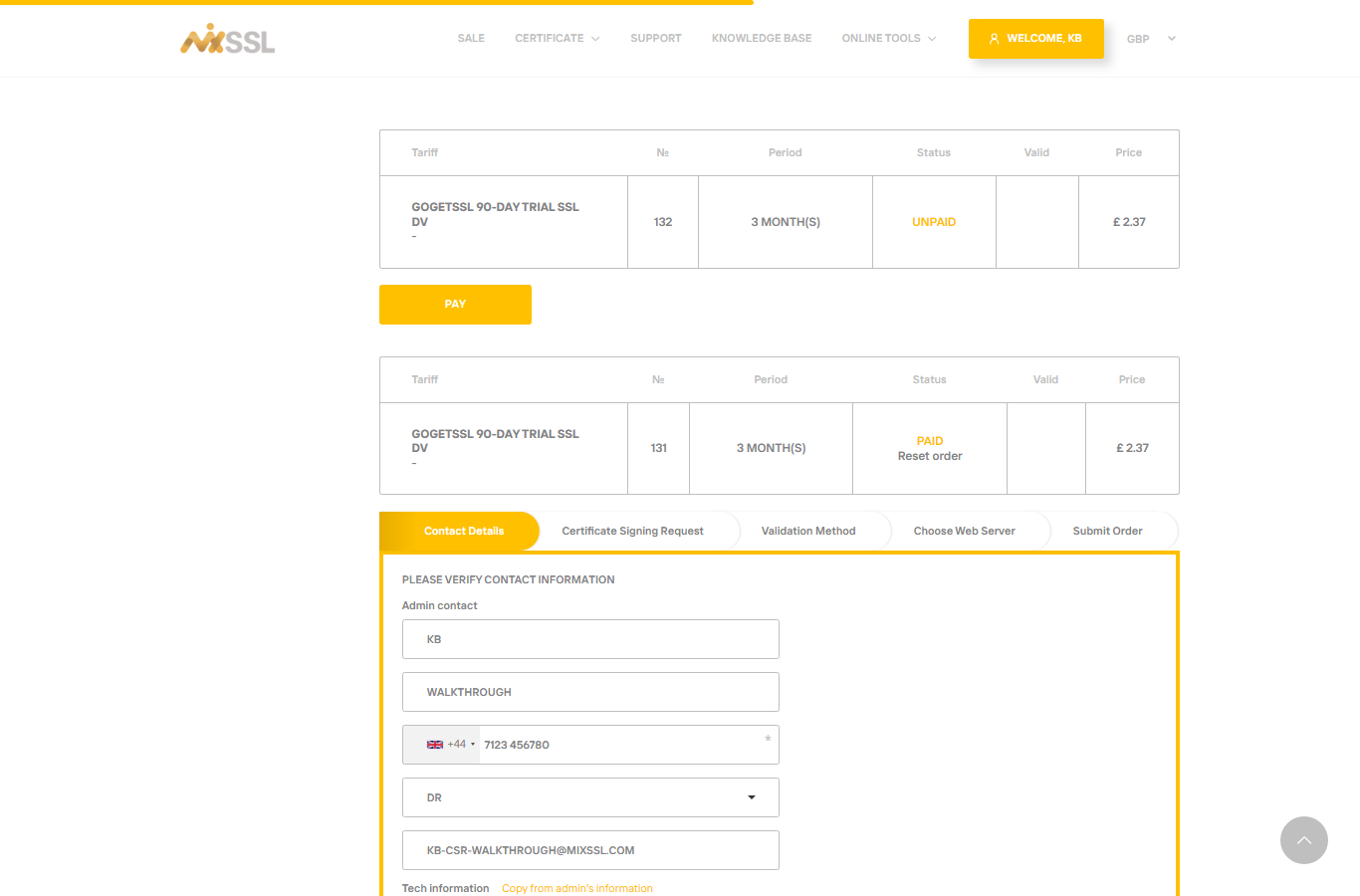
Step 5 — If payment is not completed
Orders that still need payment remain visible in your account. Open the order and click Pay to return to Stripe Checkout, or cancel the order from your account if you no longer need it.
Free certificates
Some products are listed at no charge (for example certain trial or promotional offers). For those, there is no Stripe step — MixSSL marks the order Paid immediately and you can continue in the account wizard. Nothing is charged, so there is no payment to refund.
Refunds on paid orders
Paid certificates are covered by a 30-day satisfaction window: if the service does not meet your expectations, you may request a refund within 30 days of purchase through the refund option in your account (see our article on downloads and refunds). Eligibility depends on order status and whether the certificate has already been used — support can advise via the contact form.
Getting help
Payment or checkout questions? Use the contact form on the MixSSL website.