
This guide shows how to create a free MixSSL customer account and confirm your email address. Verification is required before you can pay for a certificate or use the full customer account.
Why verify? Email confirmation protects your orders and makes sure certificate files and validation instructions reach the right inbox.
Before you start
- A working email inbox you can open on your phone or computer.
- A strong password (MixSSL requires upper and lower case letters, a number, and a special character).
- Your UK mobile number in international format (for example
+447123456789).
Step 1 — Open the registration page
From the MixSSL header, choose Log in, then Register, or go directly to the registration page.
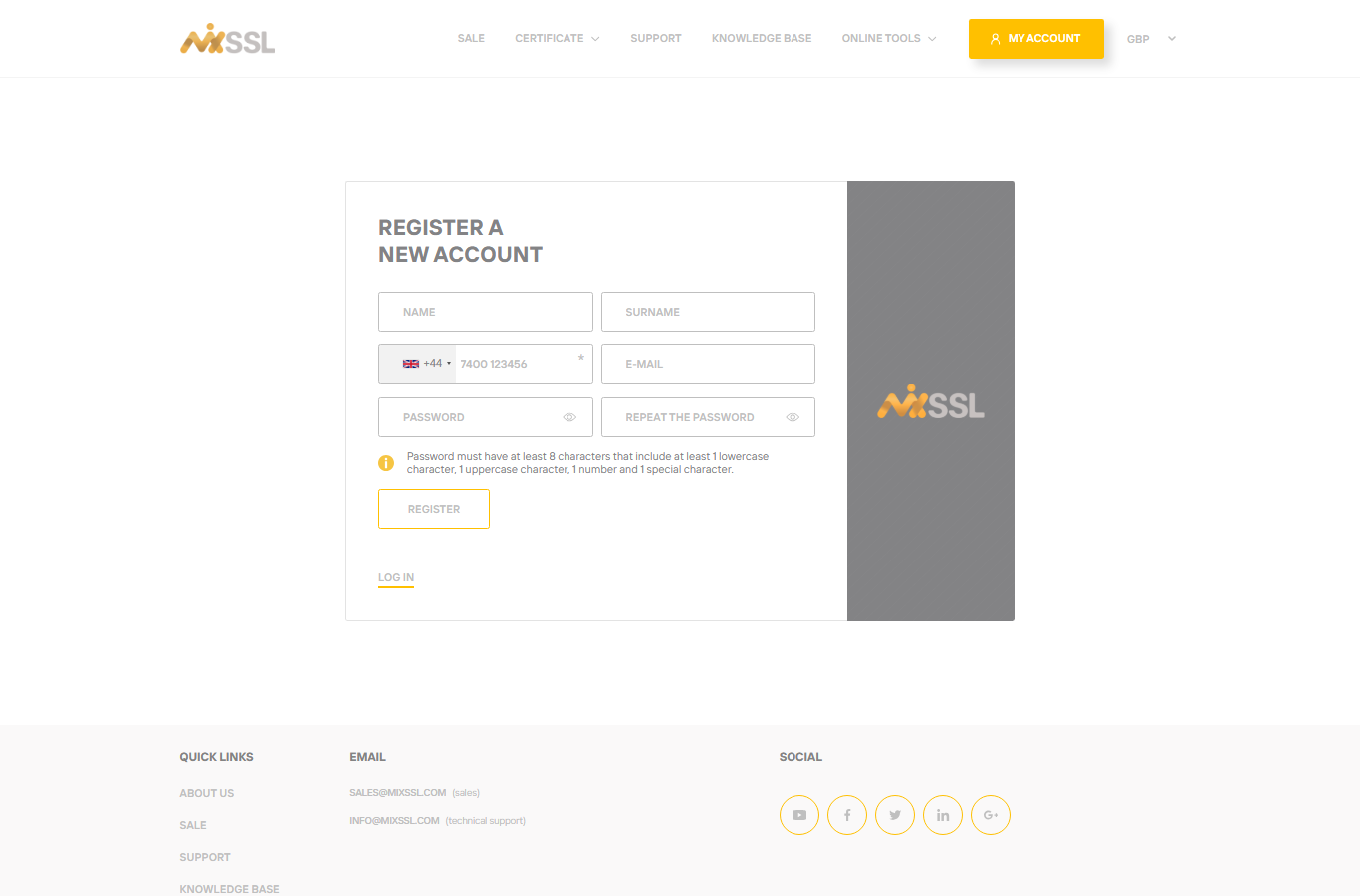
Step 2 — Complete the registration form
Enter your name, surname, phone, email, and password twice. Read the password rules shown on the page, then click Register.
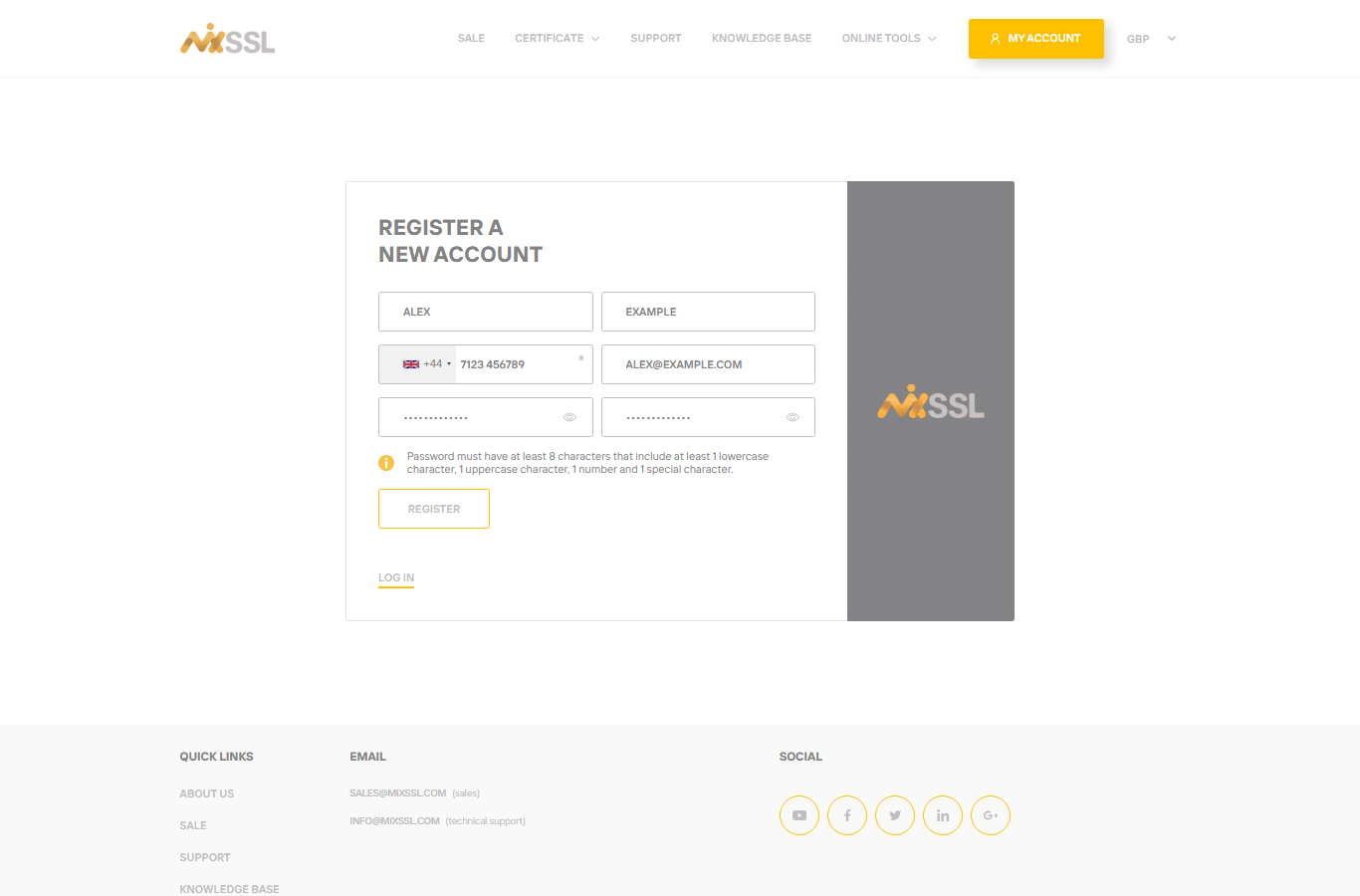
MixSSL creates your account and sends a verification email to the address you entered. You are redirected to the verification notice page while still signed in.
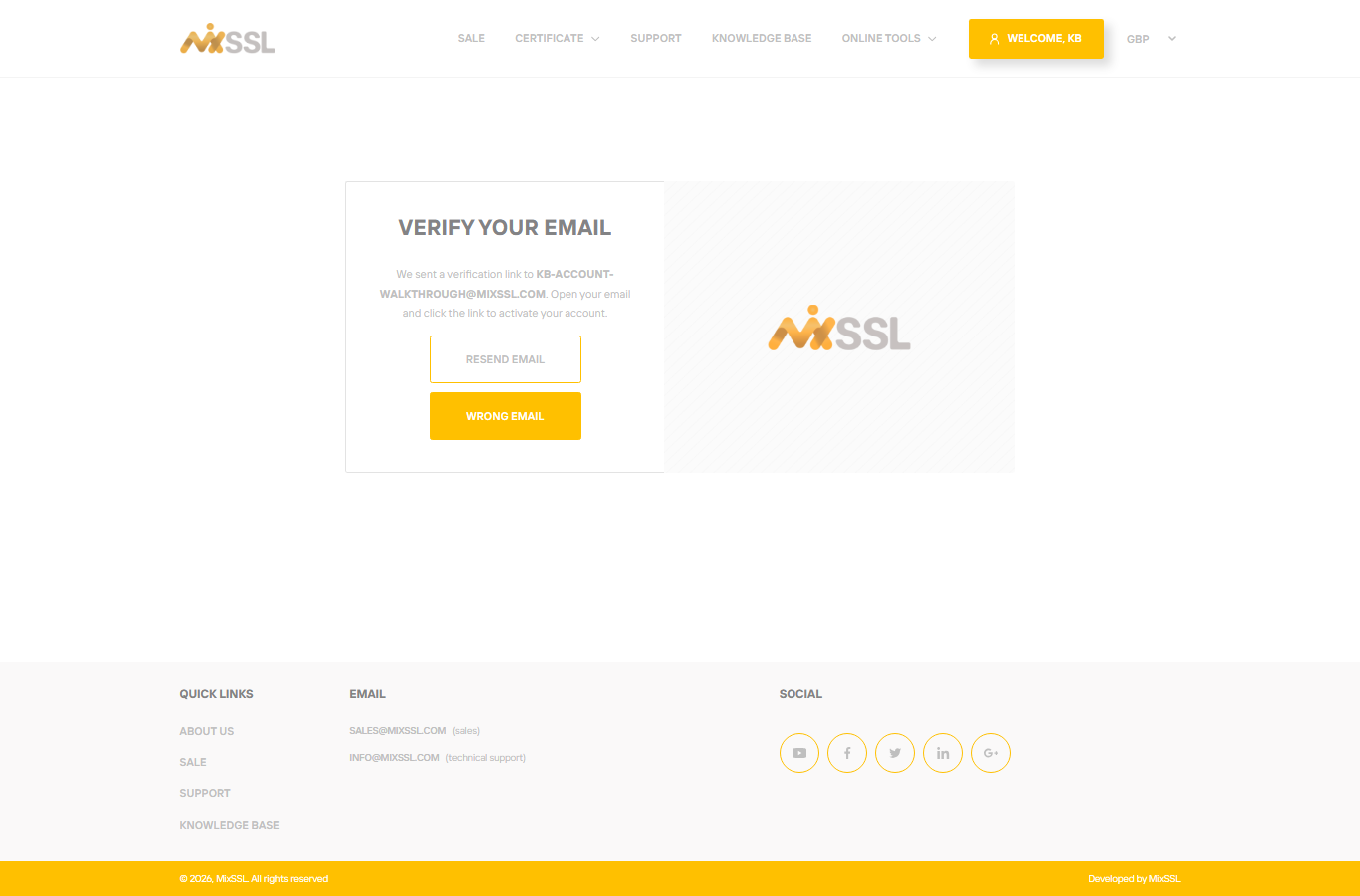
Step 3 — Open the verification notice page
The notice page confirms which address we emailed and offers Resend email and Wrong email if you need to fix a typo. Keep this tab open — it can detect when you verify from another device.
Step 4 — Confirm your email
Open the verification message from MixSSL and click the link inside. You do not need to be on the same device where you registered — the link signs you in and marks your email as verified.
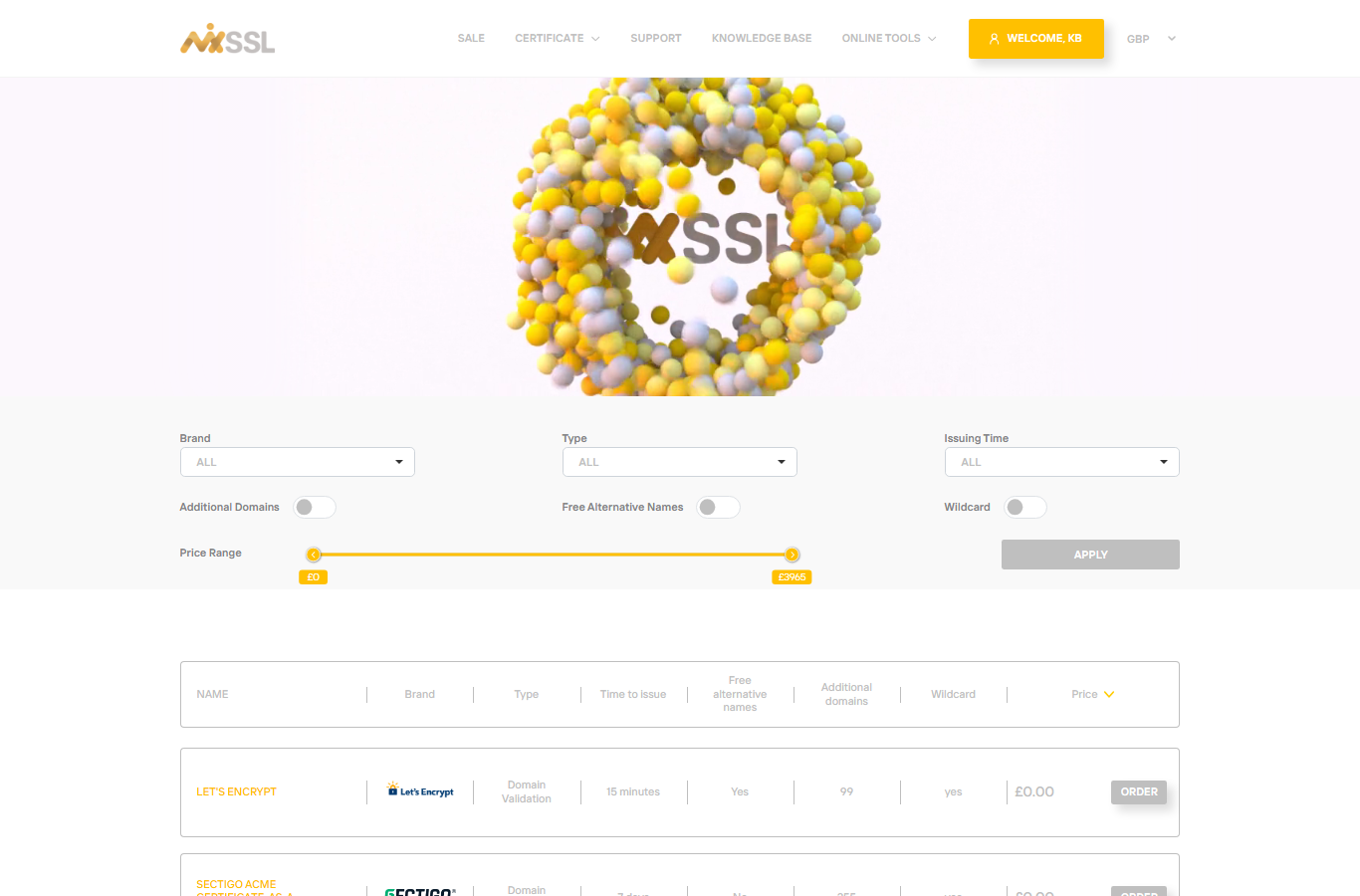
After a successful click you return to the MixSSL shop homepage. Your account is now fully active for browsing certificates and completing purchases.
Step 5 — Sign in on your next visit
When you return later, open the login page, enter the email and password you registered with, and click Log in.
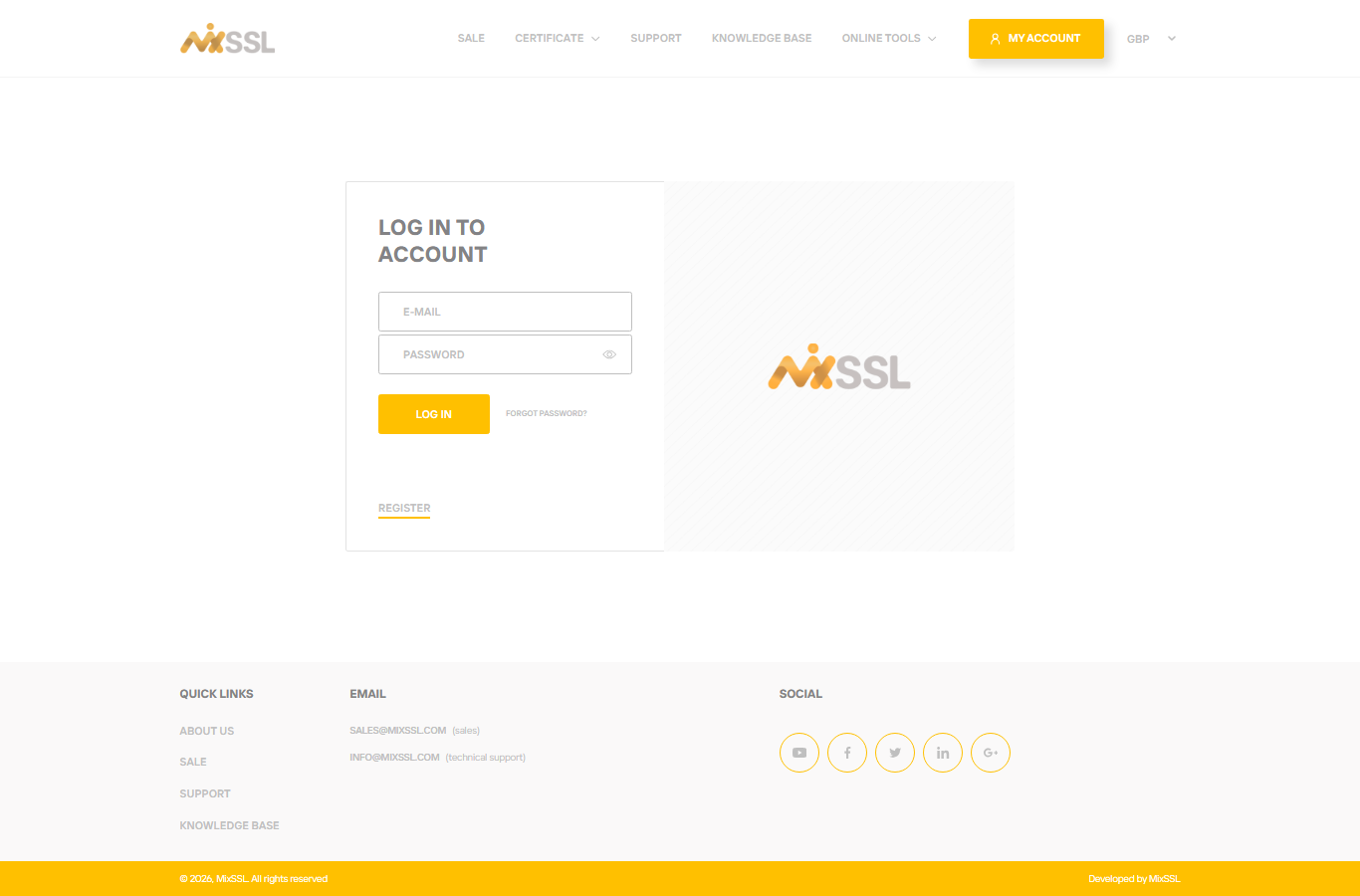
Verified users can open the certificate catalog, buy products, and manage orders in My account (/office). Unverified users are redirected back to the verification notice until they confirm their email.
If you did not receive the email
- Check spam, junk, and promotions folders.
- Wait a minute, then click Resend email on the verification notice (a short cooldown applies).
- If the address was wrong, click Wrong email, enter the correct address, and we send a fresh link.
Getting help
Questions about registration or verification? Use the contact form on the MixSSL website.