
This guide covers common account actions after you buy a certificate: reissue, add a domain name, pay an unpaid order, request a refund, and reach MixSSL support.
Reissue
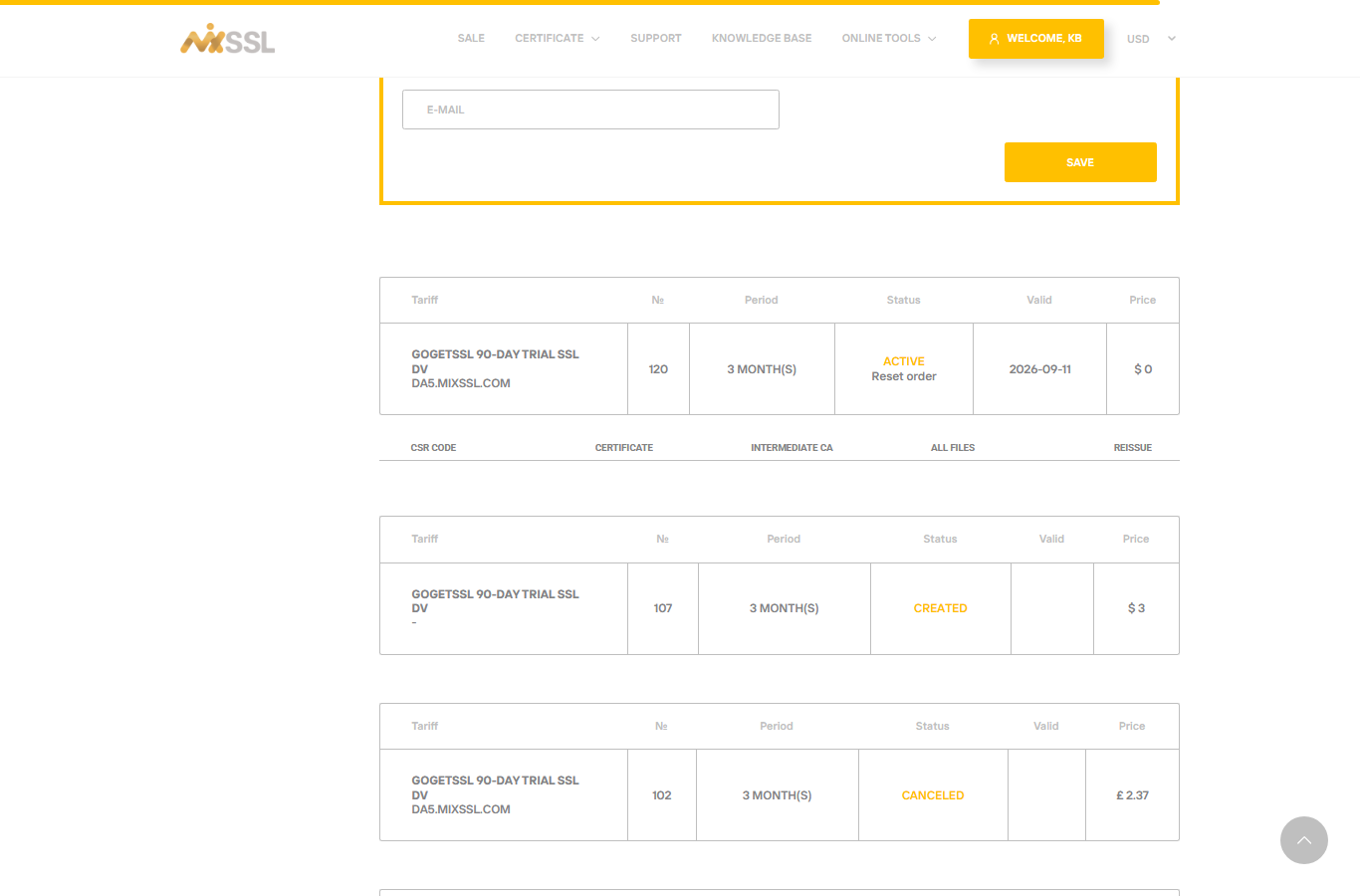
If you still have an active order and need a new certificate for the same purchase (new server, new key, corrected CSR), look for Reissue on the order in /office. Follow the prompts; validation may be required again.
Add a domain name
Some active orders with spare multi-domain capacity show Add domain in the account area. Add the hostname, pick validation, and wait for processing. You cannot add more names than your product allows.
Payment problems
Unpaid orders show a pay link in your account. Open /office, find status Unpaid, and complete secure card checkout.
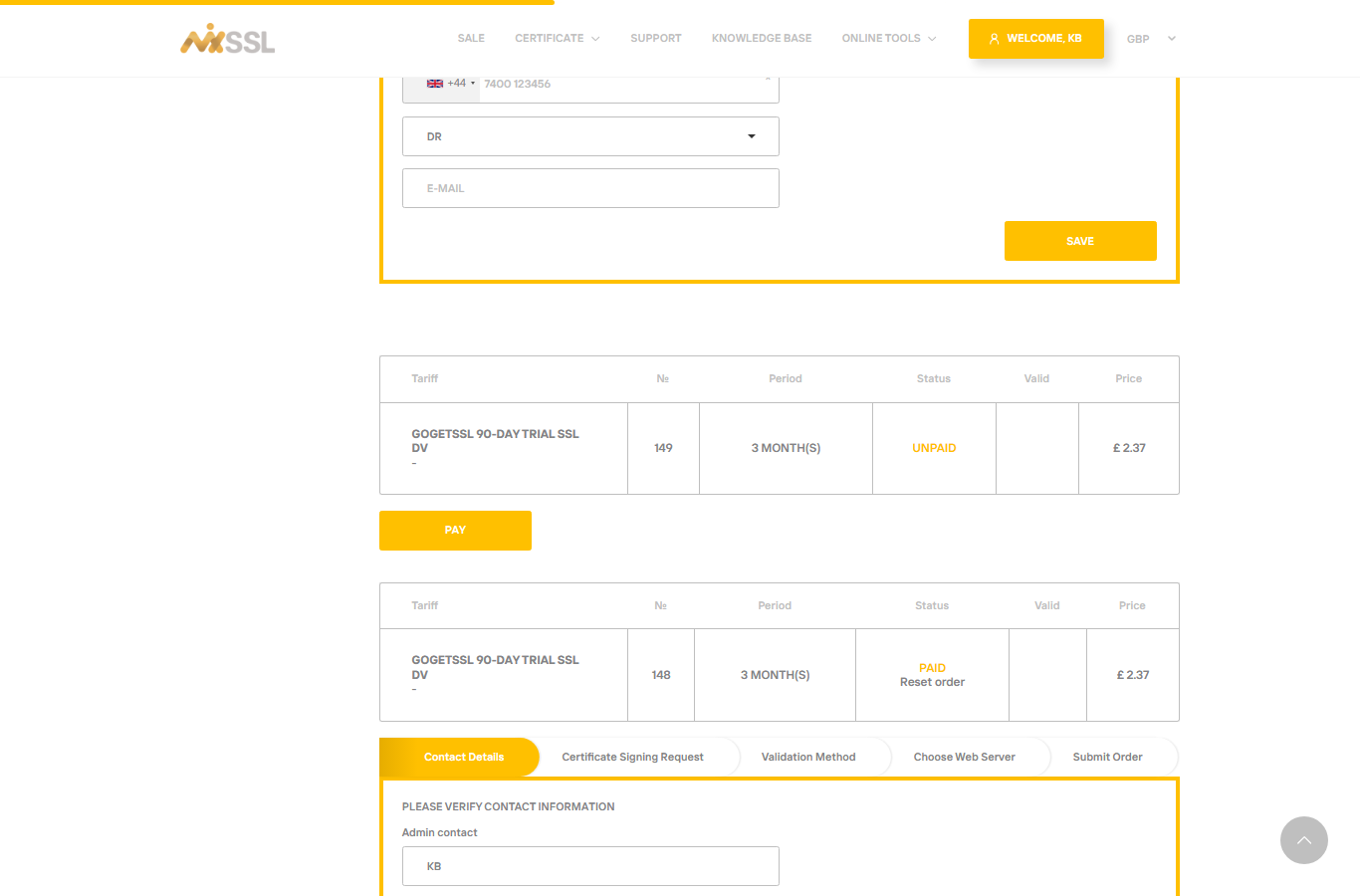
If card payment fails, try another card or contact your bank, then attempt payment again. Free products skip payment entirely.
Refunds
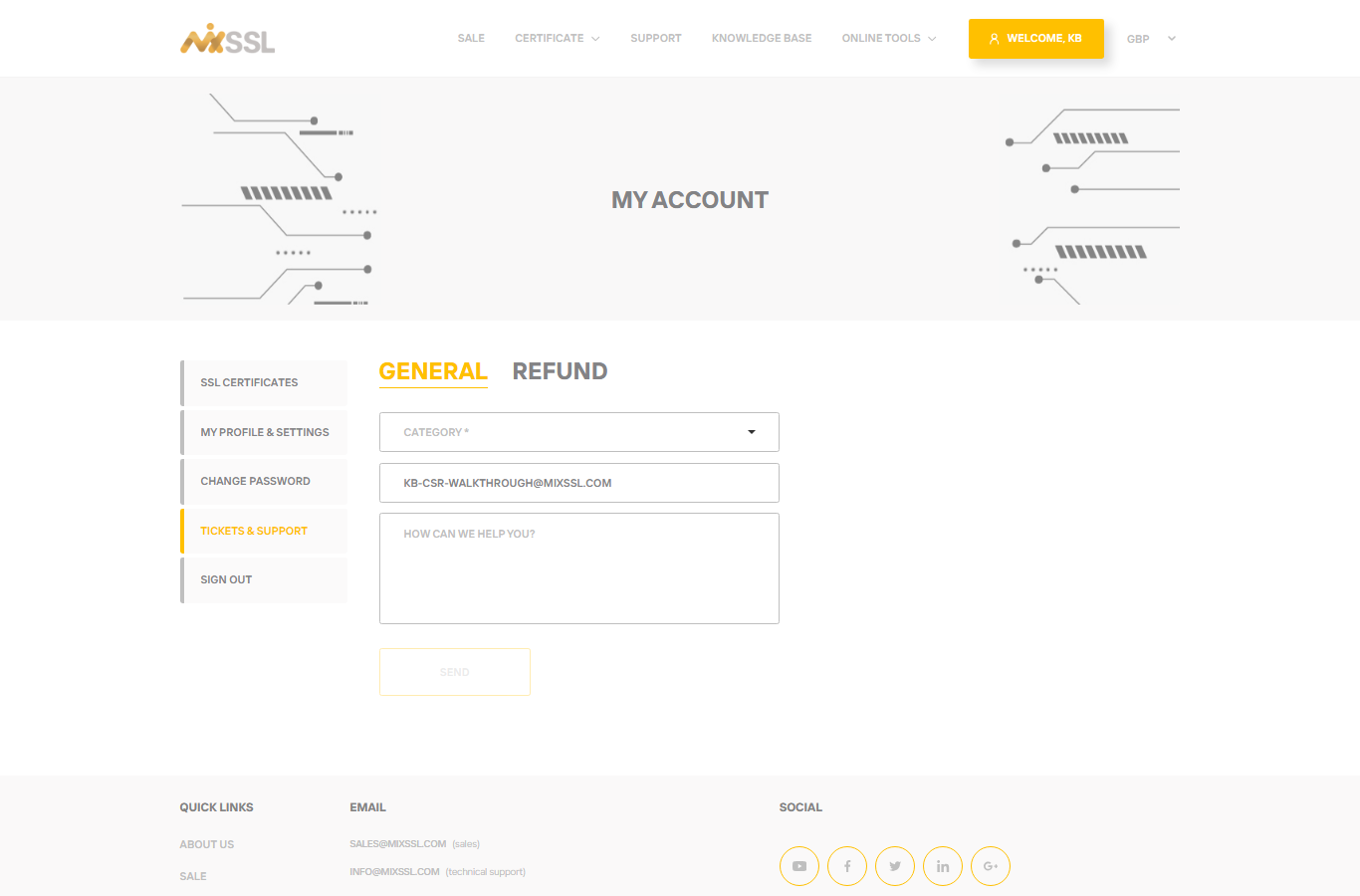
Paid orders may qualify for a refund within 30 days if you are not satisfied, subject to usage and status. Free certificates were not charged, so there is nothing to refund. Open Tickets support (/tickets-support), switch to the Refund tab, and submit your request.
Support
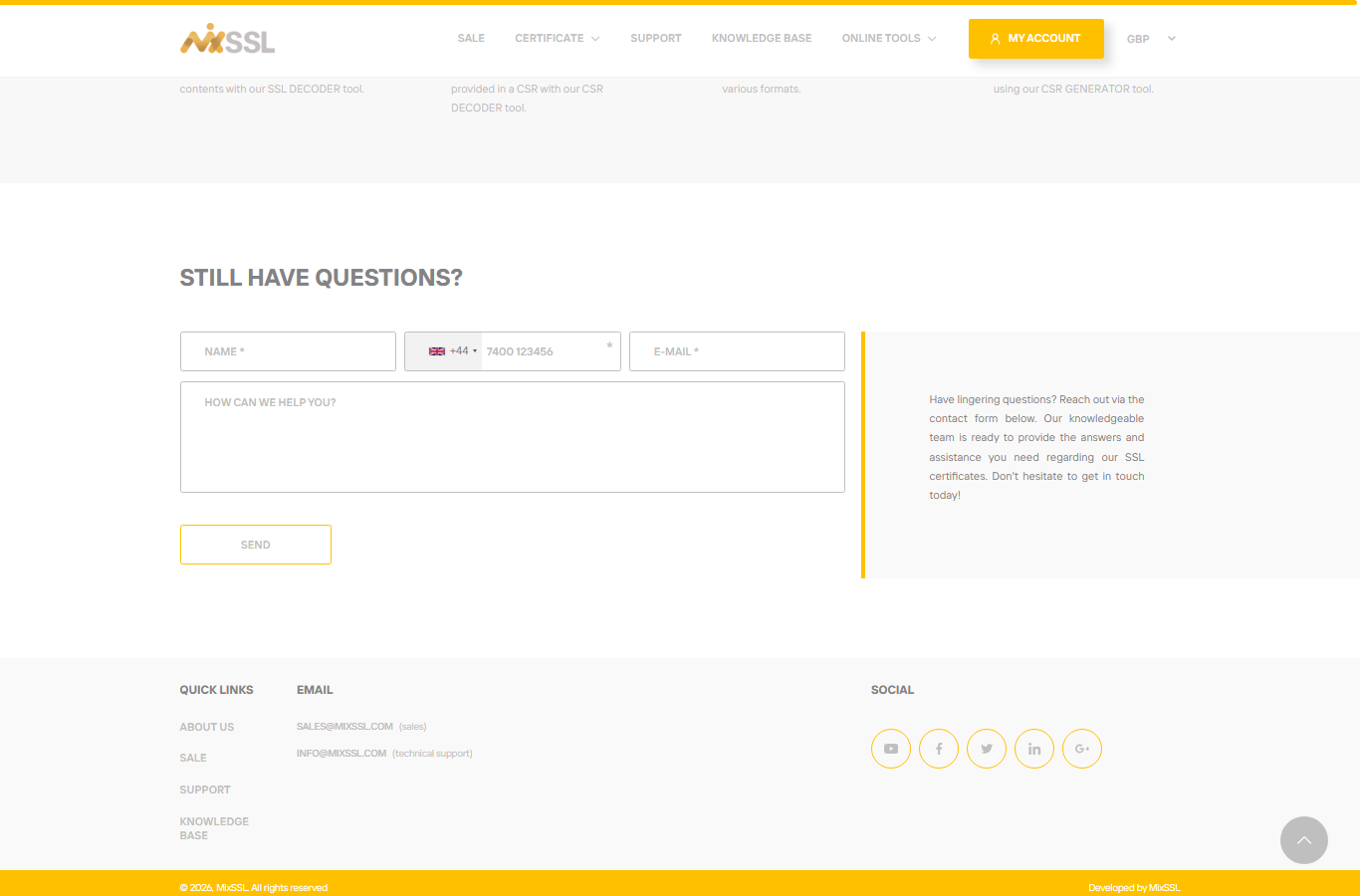
MixSSL provides help through the contact form on the website and ticket options in your account. Include your order number and a clear description; screenshots of DNS or error messages speed up answers.
Getting help
For step-by-step download and refund details, see our article on downloading certificate files and requesting refunds.