
An SSL certificate (today usually called TLS) is a small digital file that your web server uses to prove it is your real website and to encrypt data between your visitors and your site.
When HTTPS is working, browsers encrypt traffic to your site. Passwords, contact forms, and checkout details are much harder for attackers on the same network to read or change. Most browsers now warn users when a site does not use HTTPS, and search engines favour secure sites. For a small business, a trusted certificate is part of looking professional and keeping customer data safe—not only for online shops, but for any site with a login or a contact form.
MixSSL helps you buy the right certificate for your needs and complete validation so the certificate can be issued to you.
Step 1 — See HTTPS on a live site
Open any trusted website with https:// in the address bar (for example mixssl.com). Modern browsers no longer rely on a green padlock icon the way they did a few years ago—Chrome replaced the lock with a neutral “site settings” icon in 2023 because HTTPS is now the default and the lock did not mean “safe content.” Firefox and Edge still show a lock or shield in many versions, but the important check is the same: the URL starts with https://, the page loads without certificate warnings, and you can open connection or certificate details from the icon next to the address bar.
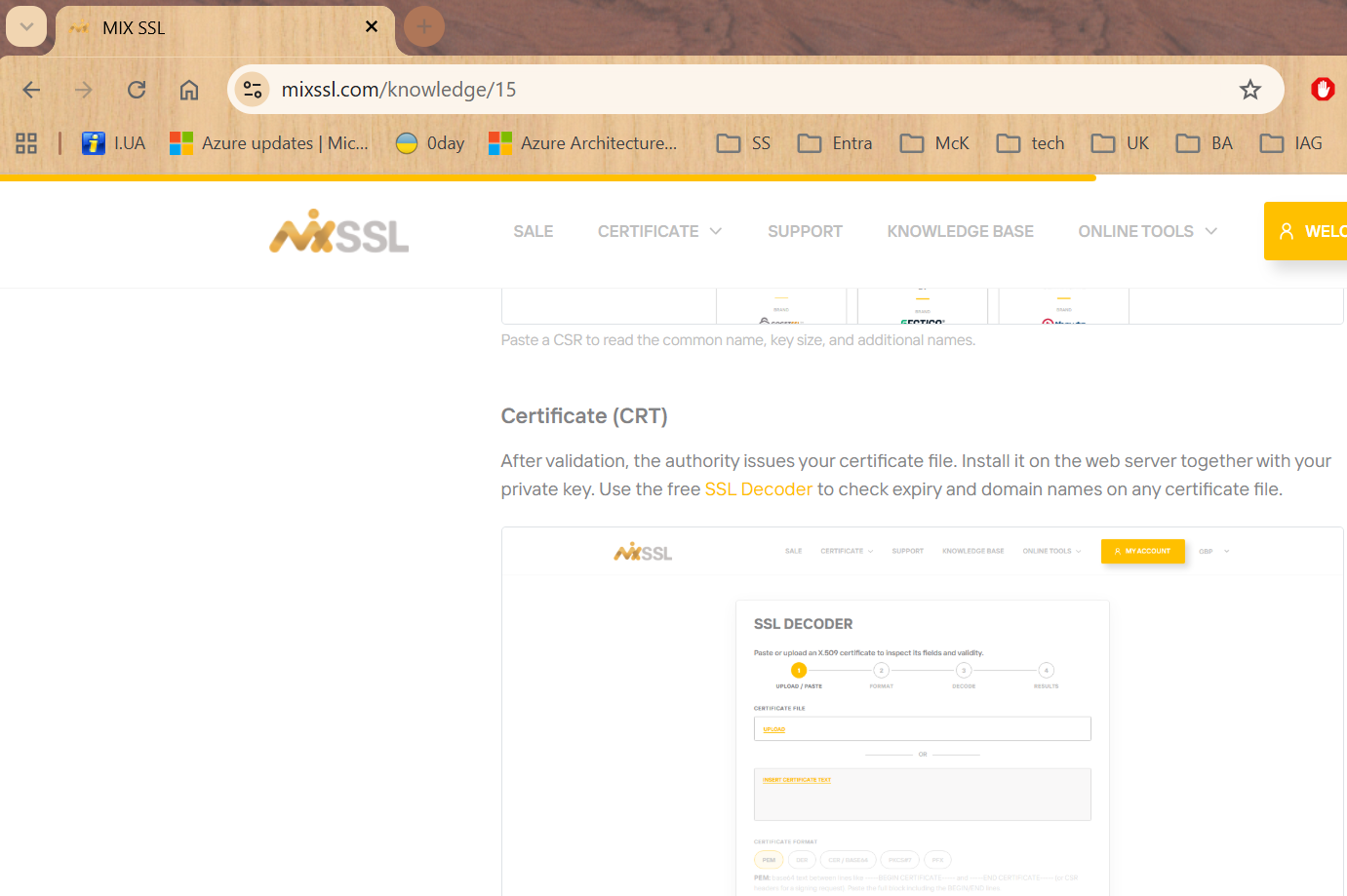
https:// and a secure-connection indicator (Chrome uses a site-settings icon instead of a padlock).Step 2 — Browse certificates on MixSSL
On the MixSSL home page, scroll to the certificate catalog. Each row shows brand, validation type, price, and whether wildcards or extra domain names are supported. You compare products here before checkout.
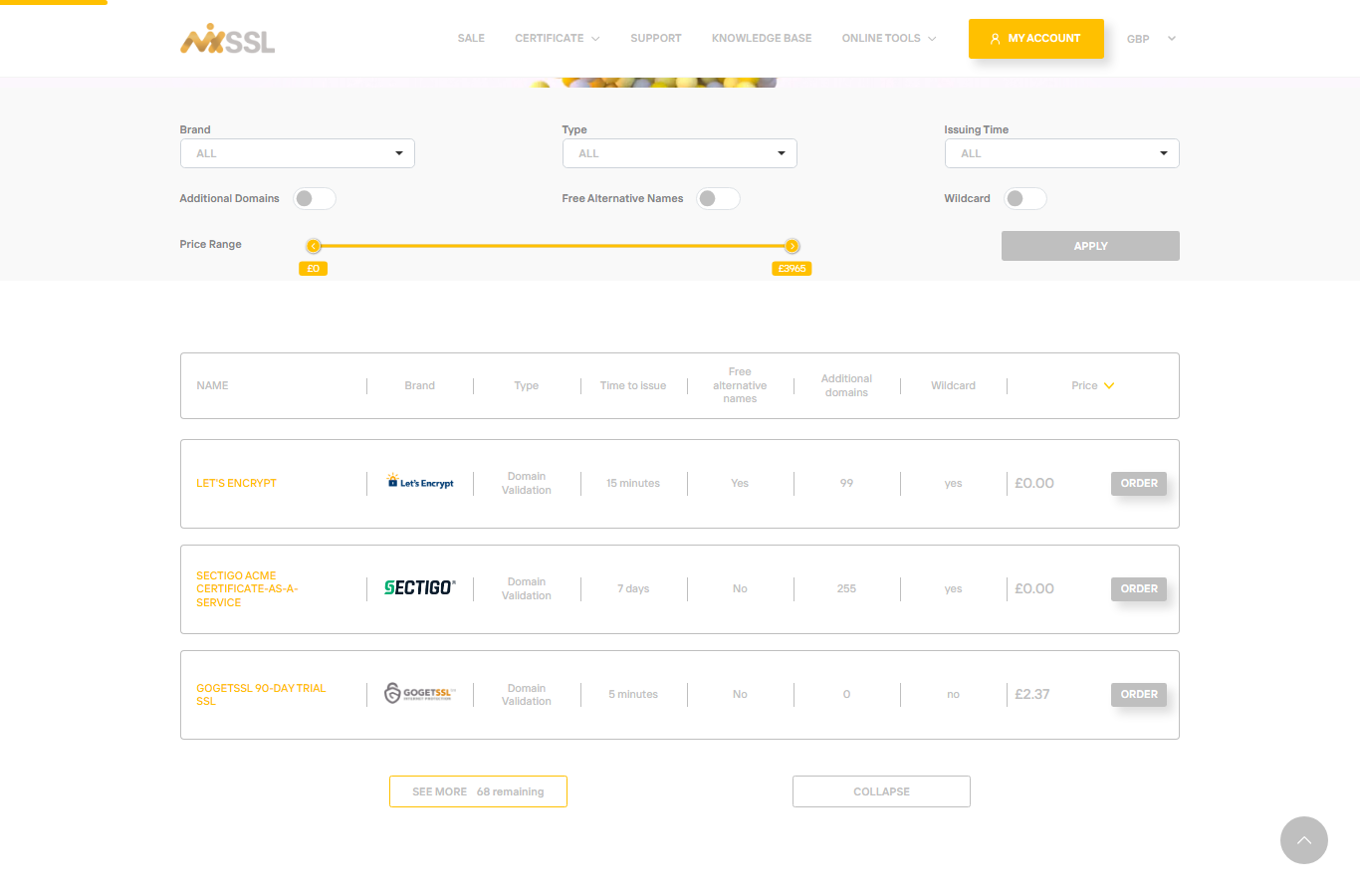
Step 3 — Read more in the knowledge base
The Knowledge base groups articles by topic: general information, how to buy and validate, installation, verification, and troubleshooting. Start here when you are new to HTTPS.
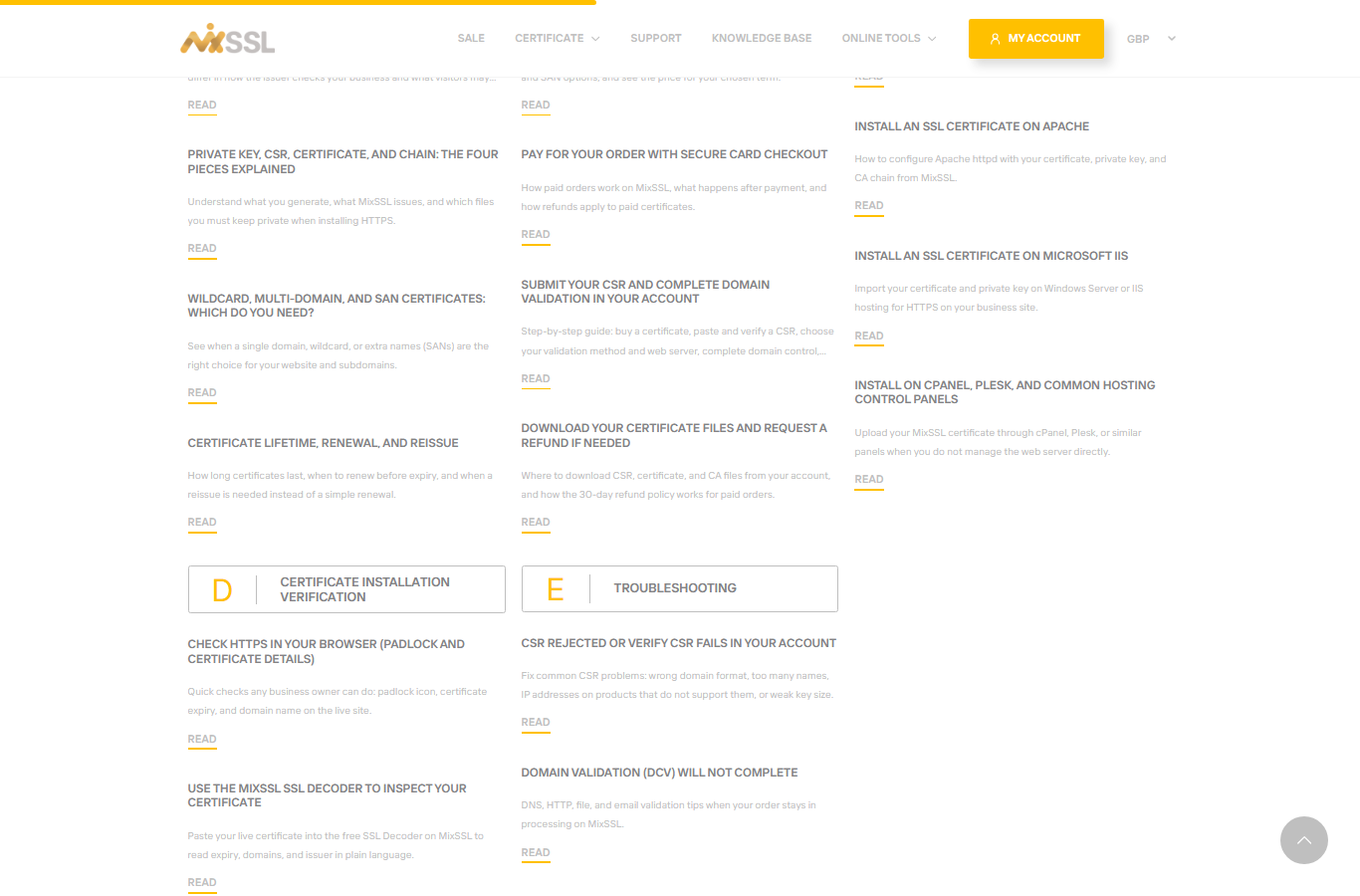
Why OV and EV still matter (even without a special browser badge)
All validation levels—Domain Validation (DV), Organization Validation (OV), and Extended Validation (EV)—provide the same strong encryption in the browser. The difference is how deeply the certificate authority checks who is requesting the certificate before they issue it.
- DV confirms you control the domain. It is fast and affordable—ideal for many brochure sites and blogs.
- OV also verifies basic business identity. The organisation name appears in the certificate details, which helps procurement, partners, and security teams confirm they are dealing with a real company—not just someone who passed a domain check.
- EV adds deeper legal-entity checks. Browsers no longer show a green address bar for EV, but the certificate still records vetted company identity for audits, regulated industries, and brand protection.
Phishing sites can obtain DV certificates quickly; OV and EV tie the certificate to a vetted organisation and support due diligence when trust beyond encryption matters. Compare levels in our article on DV, OV, and EV validation.
Getting help
Not sure which certificate fits your site? Use the contact form on the MixSSL website.