
A wildcard certificate protects many subdomains with one name like *.example.com. Authorities apply stricter rules to wildcards because they are powerful.
Step 1 — Confirm the product supports wildcards
In the MixSSL catalog, enable the Wildcard filter or open a wildcard product page. The CSR must use a name like *.example.com.
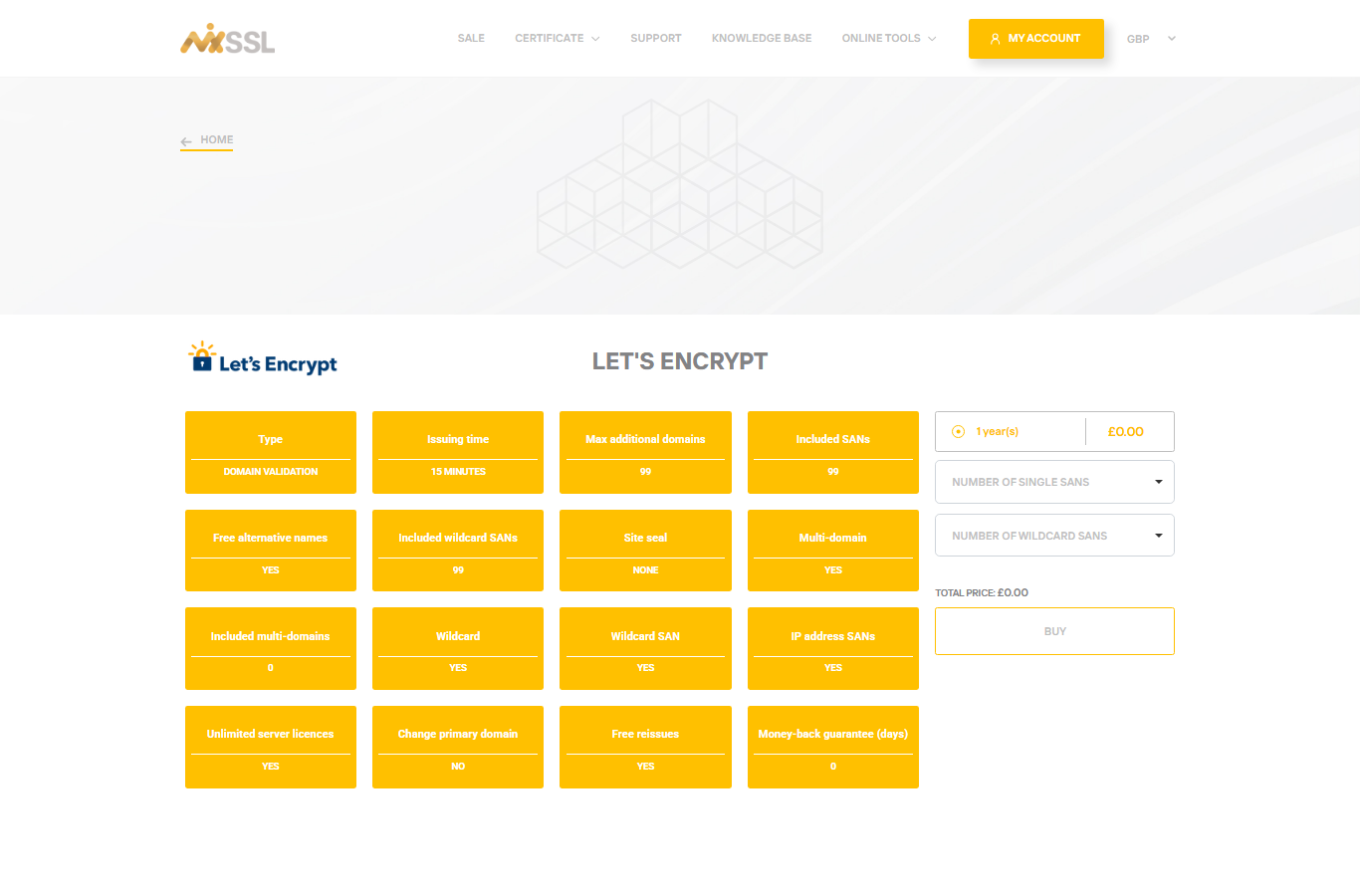
Step 2 — Plan DNS validation for Let's Encrypt wildcards
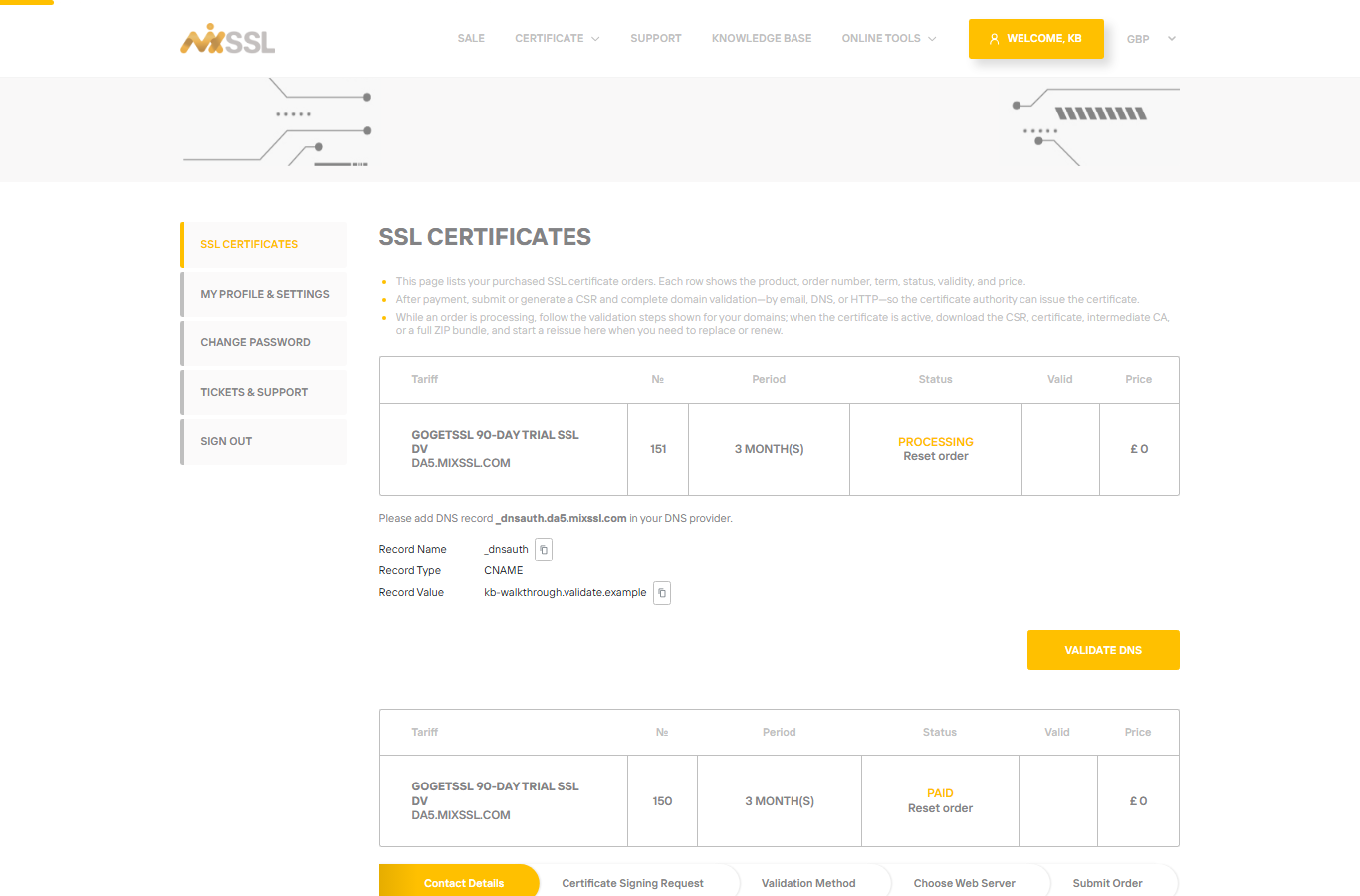
On MixSSL, Let's Encrypt wildcard certificates must use DNS validation. HTTP or HTTPS file validation is not offered for wildcard CSRs on those products. Add the DNS record at your domain provider before you submit the order.
Other brands
Other brands sold on MixSSL may still offer HTTP, HTTPS, or email validation for wildcards depending on the product—read the choices in the validation step of your order.
Remember bare domain coverage
A wildcard covers subdomains, not necessarily the bare domain. If you need both example.com and *.example.com, include both in the CSR when the product allows multiple names.
Getting help
Questions about wildcard CSR format or DNS records? Use the contact form on the MixSSL website.