
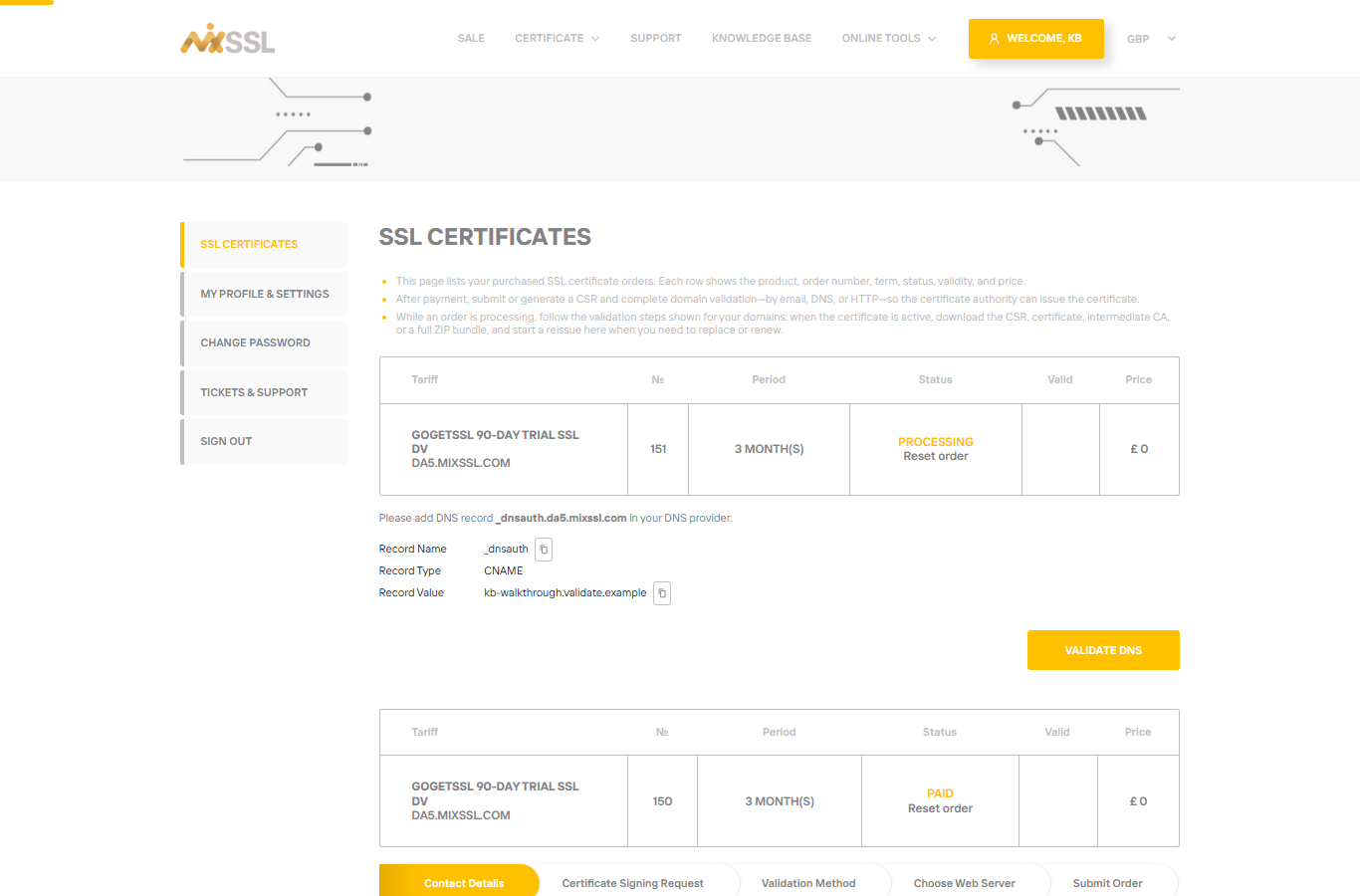
Issuance waits until you prove you control each domain. MixSSL shows exact instructions per domain in your order on /office.
DNS validation
Add the TXT or CNAME record exactly as shown at the DNS provider that hosts your domain. Wait for DNS propagation (minutes to hours). Remove old conflicting records if you renewed a certificate before.
HTTP / HTTPS file validation
Place the validation file at the precise URL path on the live site. The site must be reachable on the internet on port 80 or 443 as instructed. Firewalls or “coming soon” pages can block the check.
Email validation
Approval messages go to standard administrative addresses. Check spam folders and approve every link required.
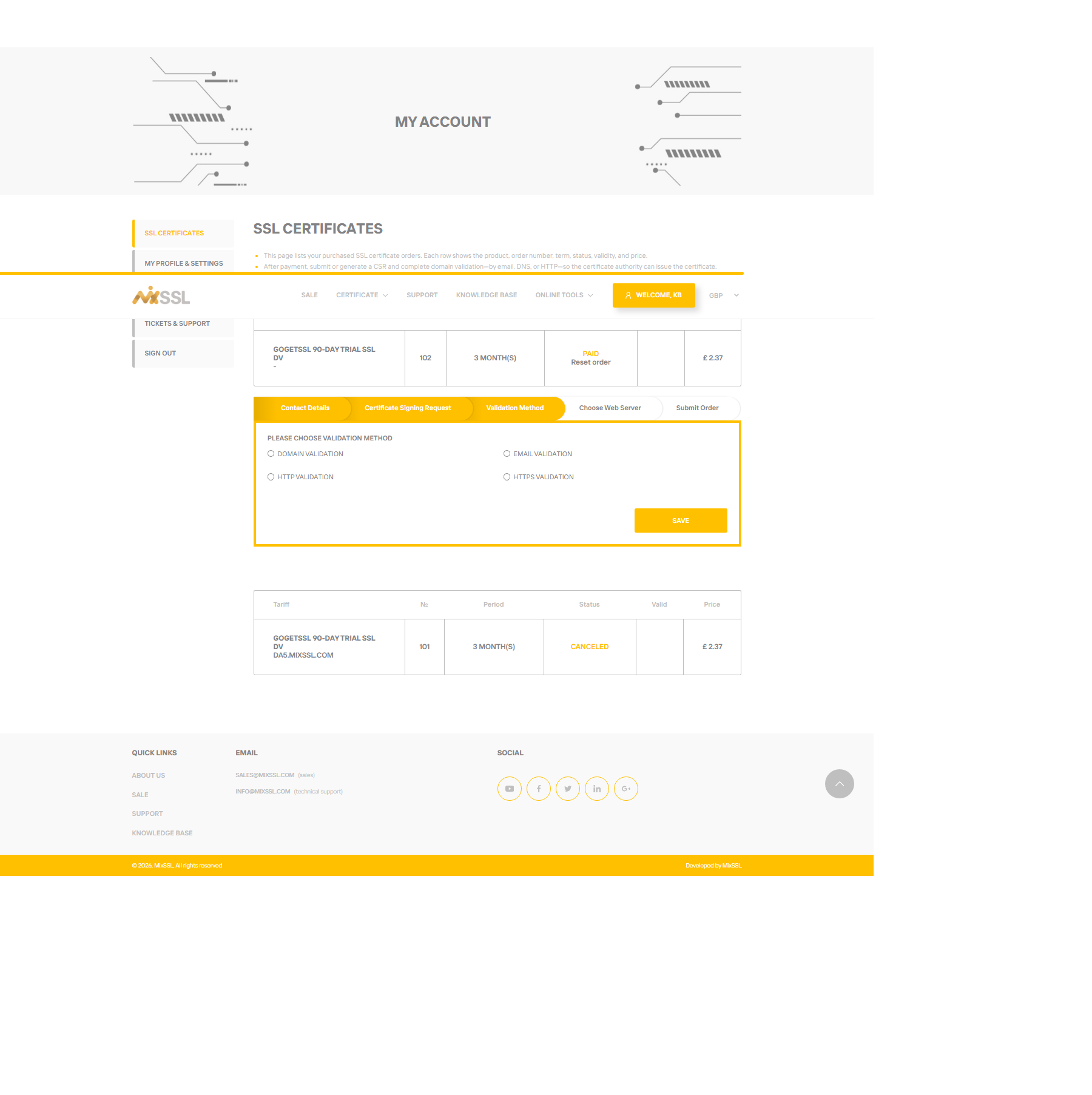
Choose the right method in the wizard
During checkout configuration, pick a validation method you can complete. Available options depend on the product and CSR.
Let's Encrypt orders on MixSSL
Some orders allow an automatic check after you configure DNS or HTTP validation—use the button shown on the order when available. Let's Encrypt does not use email validation through MixSSL.
If validation stalls for more than a day, gather screenshots of your DNS or file setup and contact support via the website contact form. Normal issuance is often within about an hour once validation is correct.
Getting help
Include your order number and validation method when you use the contact form.