
If you or your IT provider have shell access to the server, these commands can complement browser checks. If you only use cPanel-style hosting, skip this article and use the browser and SSL Decoder steps instead.
Step 1 — Inspect a certificate file on disk
View subject, dates, and SANs on a file you saved from MixSSL:
openssl x509 -in certificate.crt -noout -subject -dates -ext subjectAltName
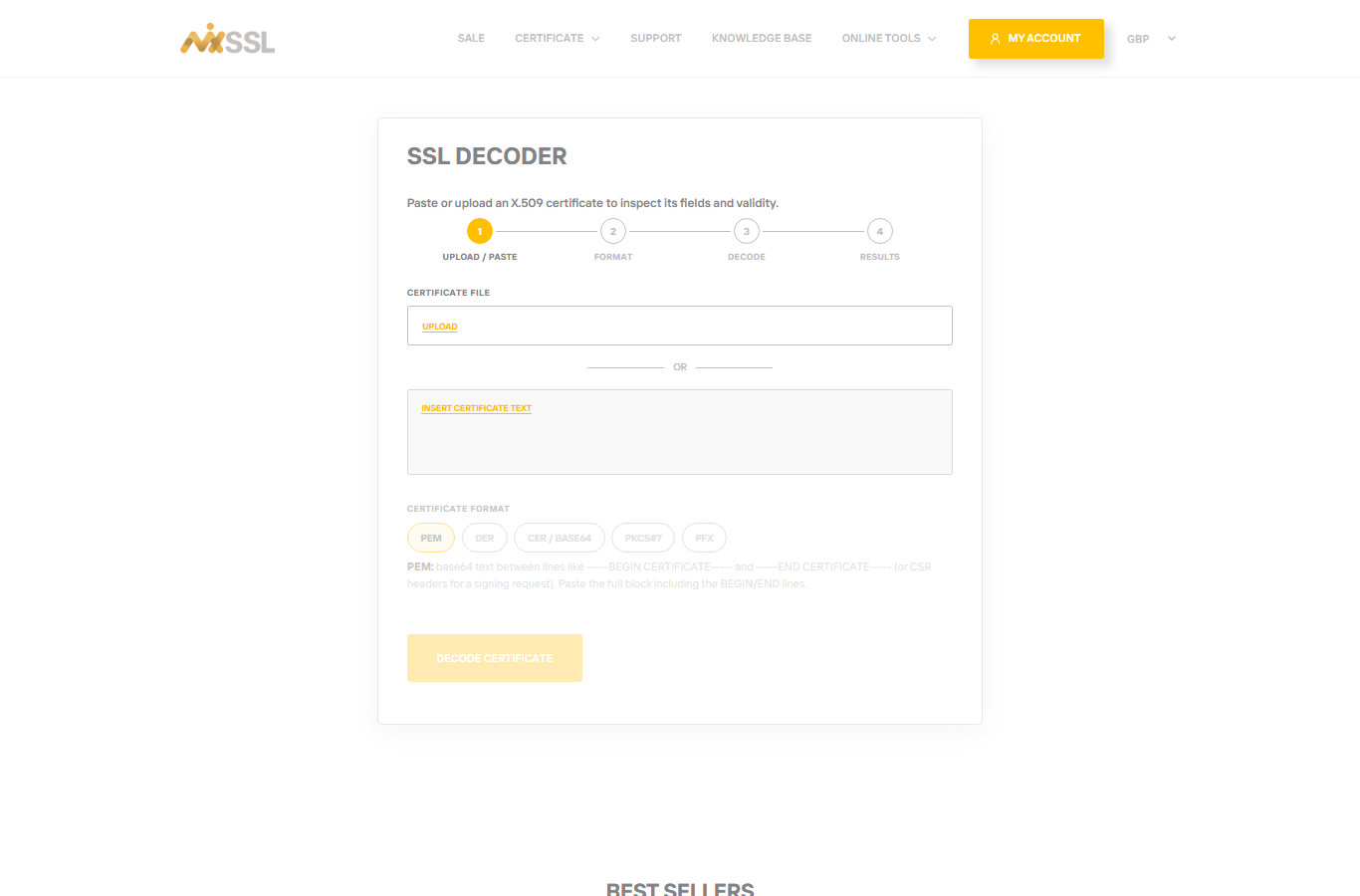
You can paste the same file into the MixSSL SSL Decoder for a visual summary without using the command line.
Step 2 — Test what the server presents on port 443
Replace with your domain:
openssl s_client -connect yourdomain.com:443 -servername yourdomain.com
Look near the end of the output for verify return code 0 (ok) and check the subject and dates.
Step 3 — Share output with your host
Send the command output to your hosting provider if you need help—they can tell whether the chain and hostname match what MixSSL issued.
Getting help
Include your order number when you contact MixSSL support through the website form.