
A certificate only works without warnings for names listed in it. Check every URL your customers use—www, non-www, and subdomains.
Exact names
If the certificate lists www.example.com only, example.com without www may fail unless it is also listed.
Wildcard rules
*.example.com covers subdomains like shop.example.com but does not automatically cover example.com itself.
Several names (SAN)
Multi-domain products list each hostname explicitly; every name you use in the browser should appear in the certificate details.
Step 1 — Read names with the SSL Decoder
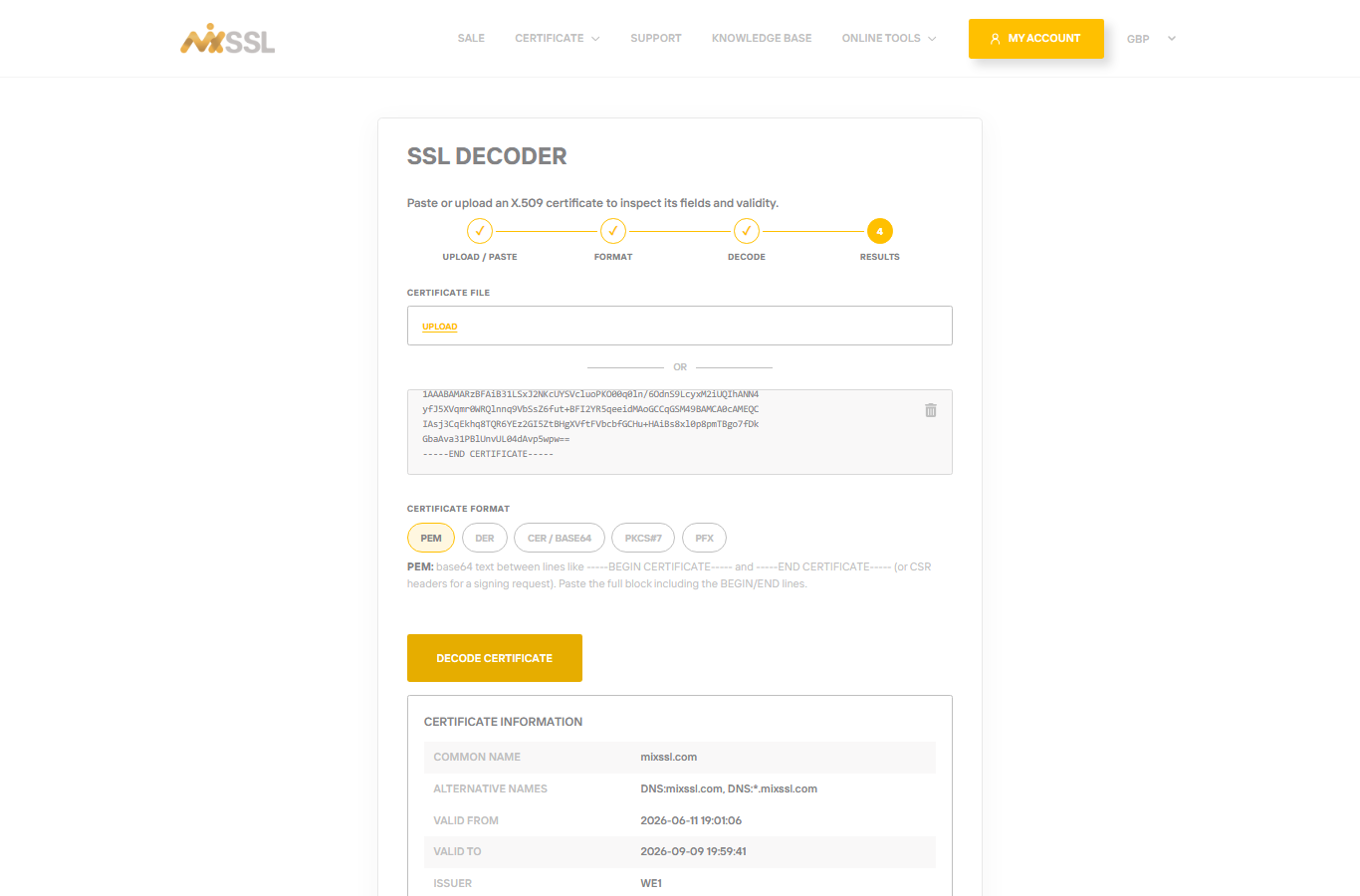
Paste your live certificate into the SSL Decoder. Review the Common Name and Subject Alternative Names sections.
Step 2 — Compare with your order
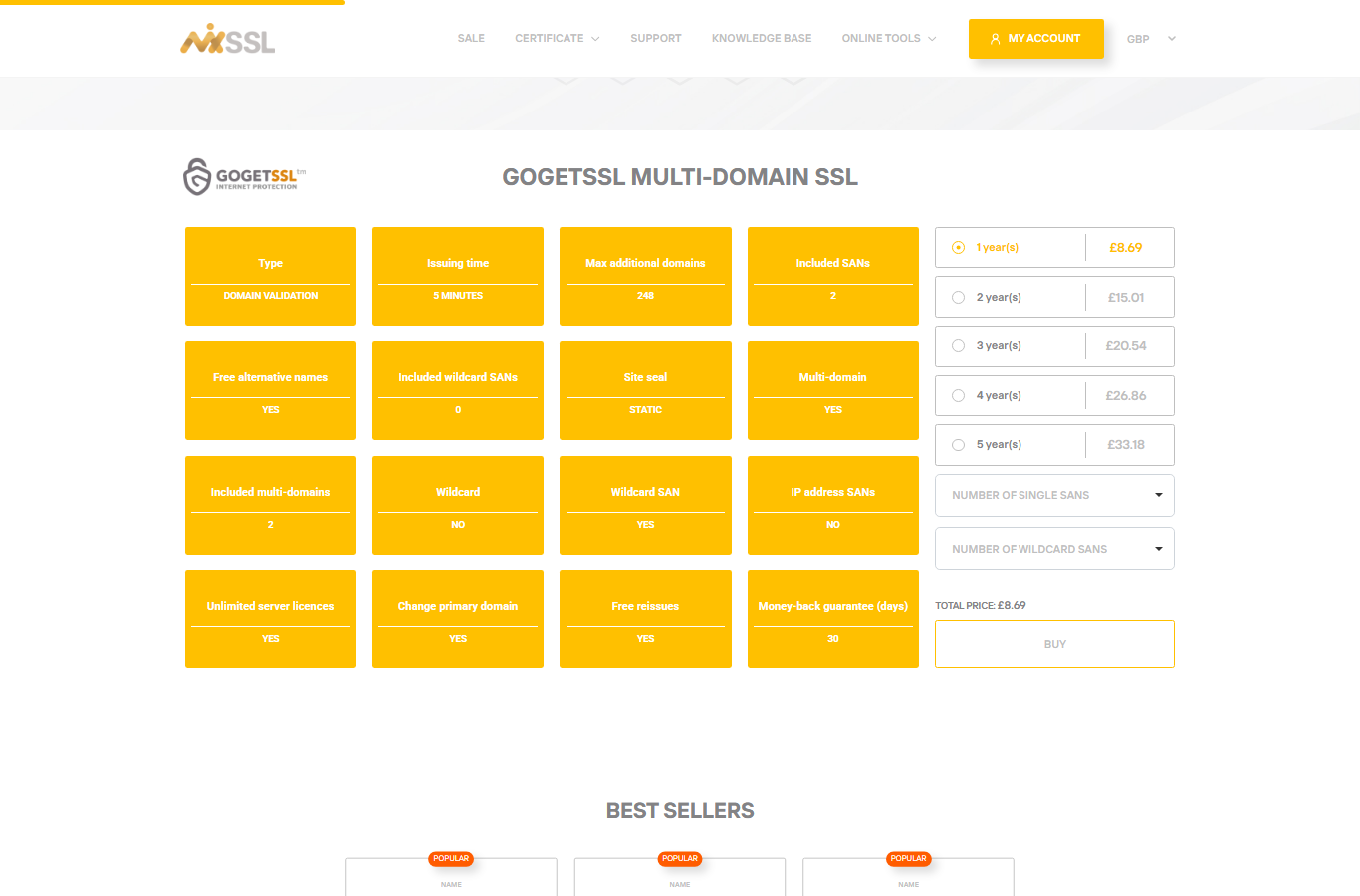
When ordering on MixSSL, the CSR and verification step must include every name you need. Multi-domain products show how many additional names you can add on the product page.
Step 3 — Fix mismatches
If one URL fails, you may need another name on the certificate, a separate certificate, or DNS and redirects so everyone lands on a covered hostname. Our troubleshooting article on CSR errors explains common mismatches.
Getting help
Need to add a hostname to an active order? Use the contact form on the MixSSL website.