
Browsers trust your certificate only if it links to a known root authority through one or more intermediate certificates. If intermediates are missing on the server, visitors may see errors such as “unable to get local issuer certificate” or an incomplete chain in the padlock details.
Step 1 — Install the intermediate CA from MixSSL
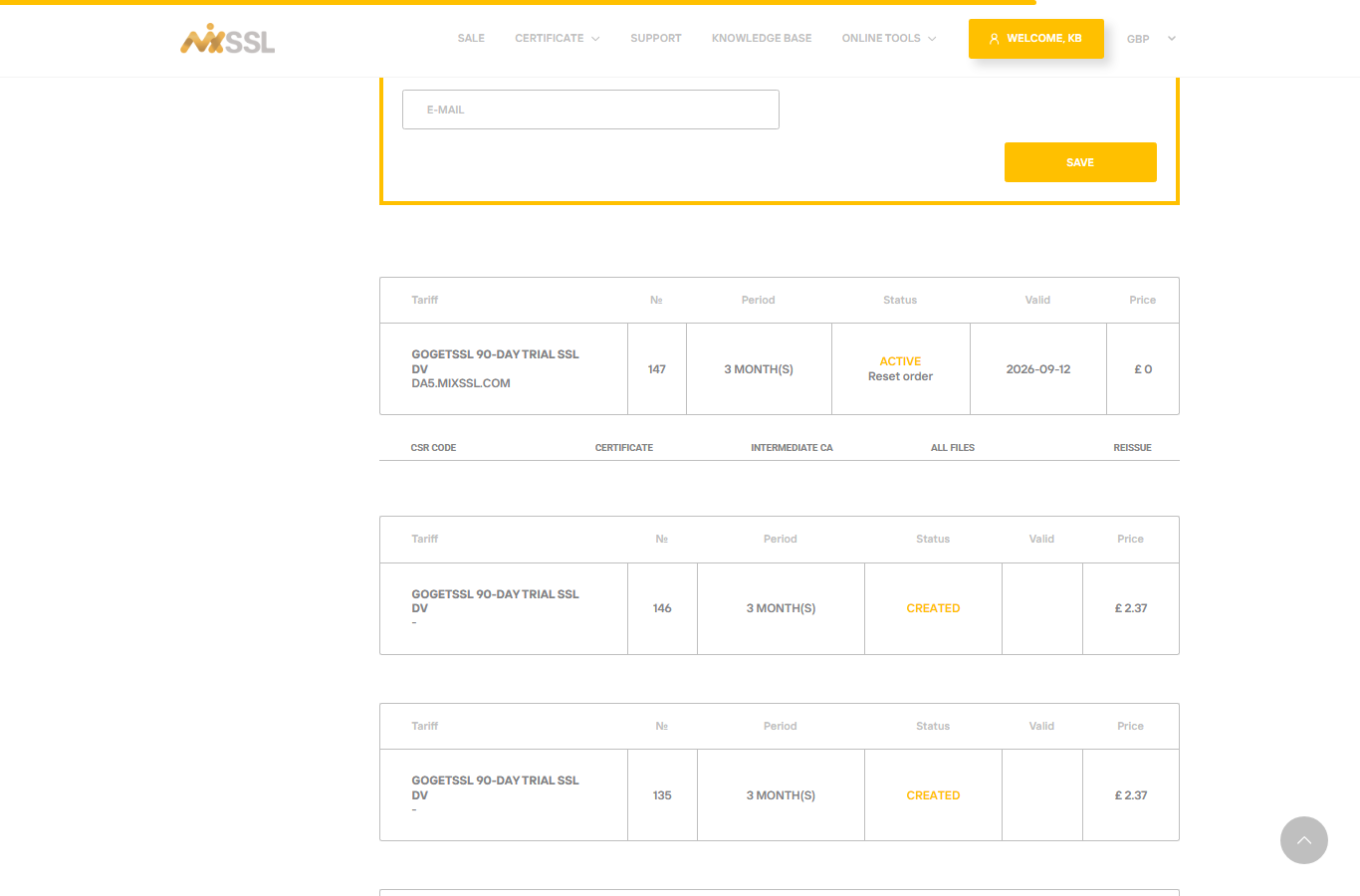
Download the Intermediate CA file from your active order in /office and install it together with your main certificate. Many servers want a “full chain” file (your certificate plus intermediates concatenated).
Step 2 — Inspect the certificate you installed
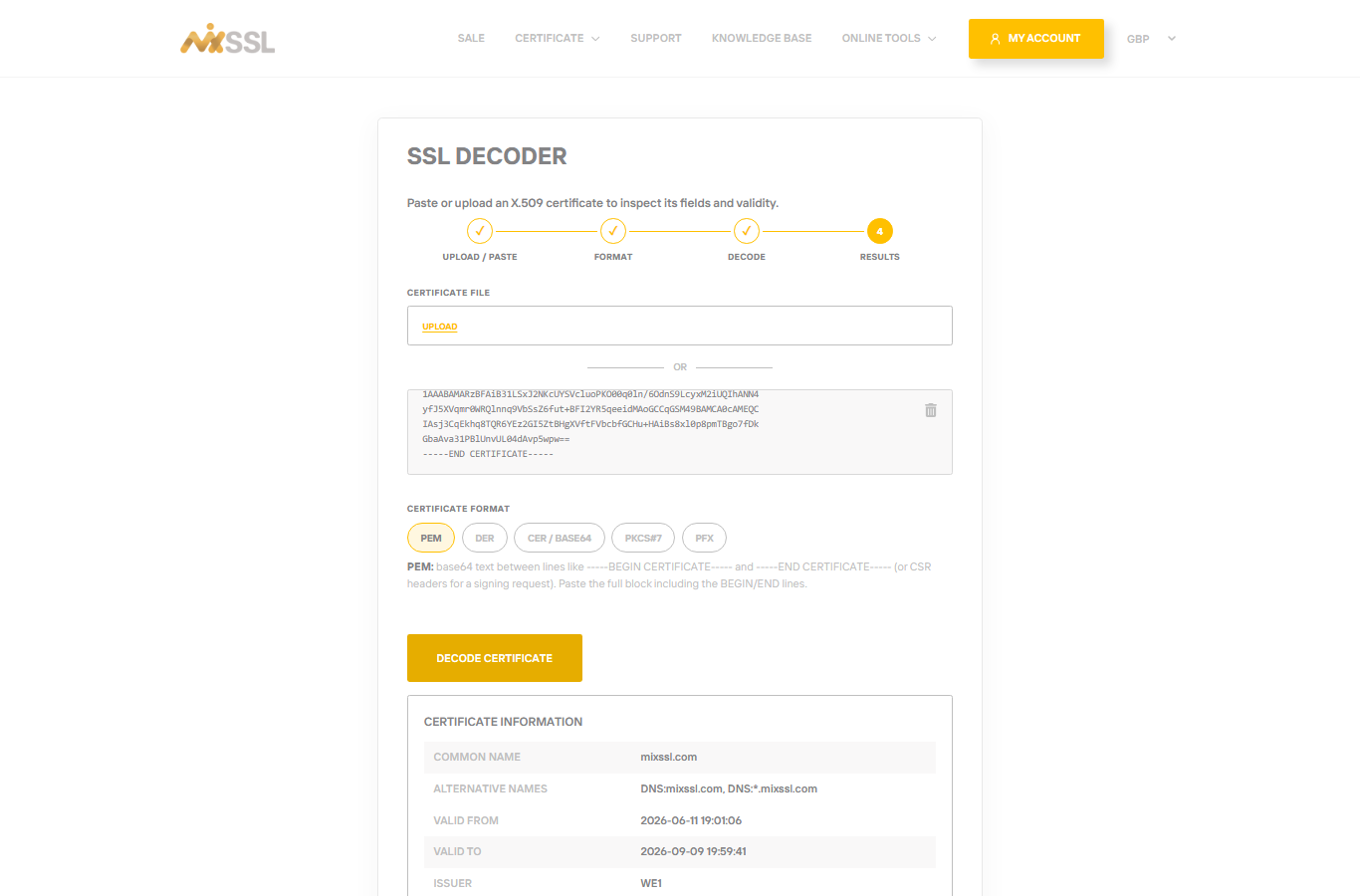
Paste the certificate file from your server into the SSL Decoder. Confirm issuer and validity, then compare with the intermediate file from your download.
Step 3 — Verify in the browser
Open your site with HTTPS and use the padlock → certificate path or chain view. You should see your domain cert, then intermediates, then a trusted root.
Step 4 — Clear cache and retest
After any change, reload the site in a private/incognito window to avoid cached old certificates. Optional: use a public SSL checker website by entering your domain name for a second opinion.
Getting help
Chain errors after installing both files? Use the contact form on the MixSSL website with your order number.