
The SSL Decoder on MixSSL is a free tool on the public site. It reads a certificate file you paste or upload and shows the important fields without installing software.
Step 1 — Open the SSL Decoder
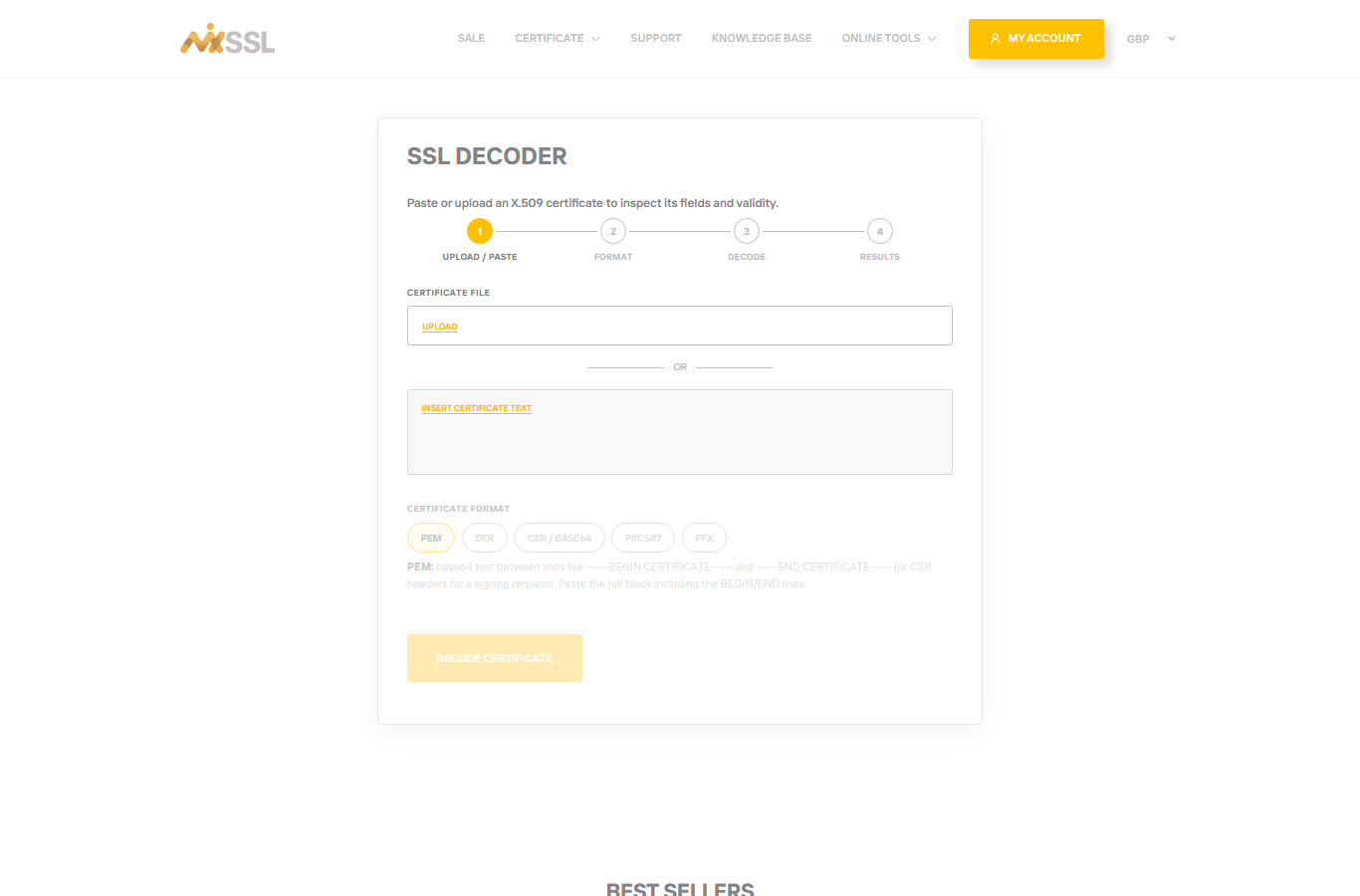
From the MixSSL menu, open SSL Decoder. You do not need an account.
Step 2 — Paste or upload your certificate
Paste the contents of your certificate file (beginning with -----BEGIN CERTIFICATE-----) or upload the file from your computer.
Step 3 — Review the results
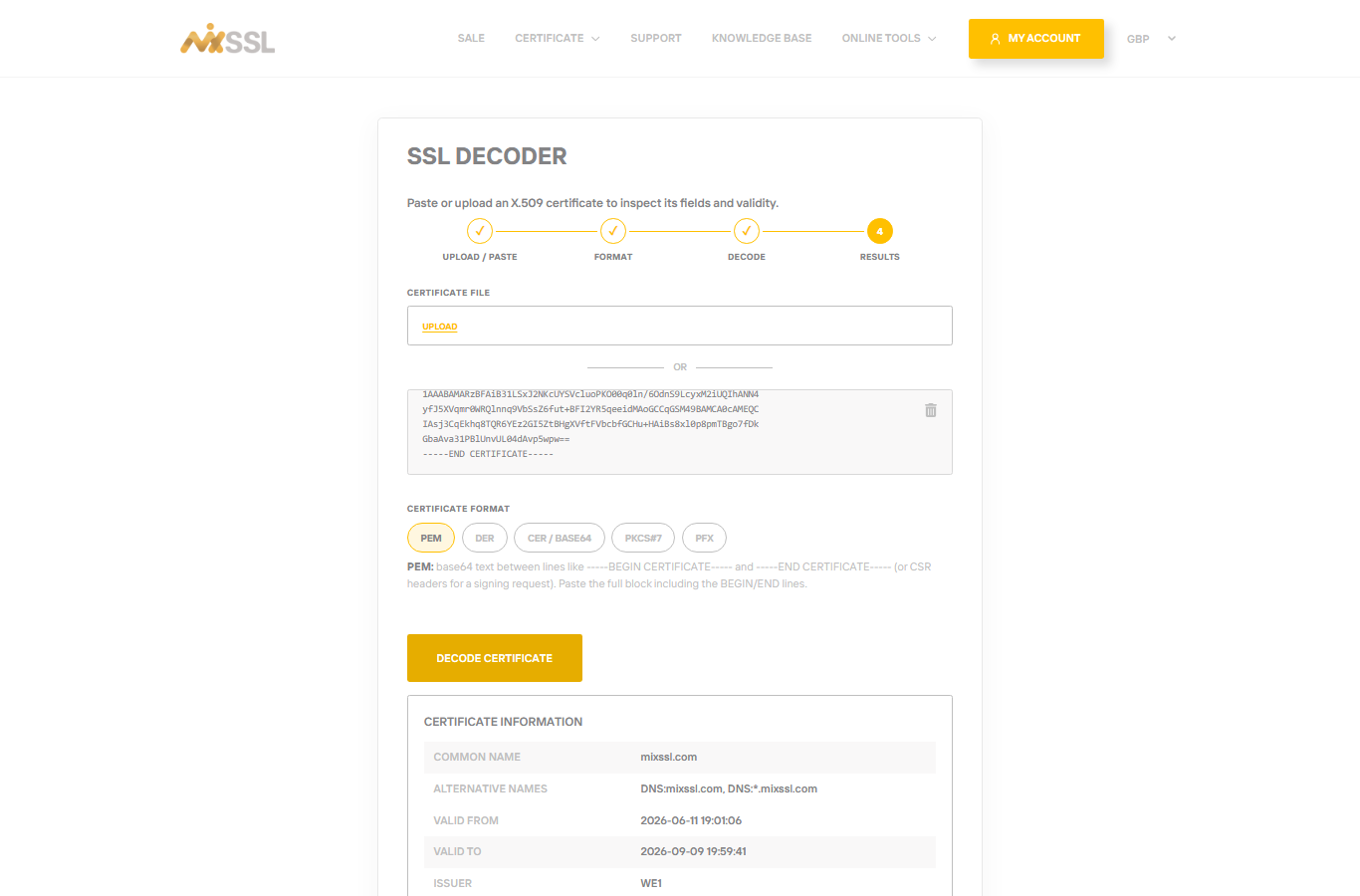
Check common name, subject alternative names (SANs), issuer, and validity dates. Compare what you see with what you expect from your order.
When to use it
Use the decoder on the certificate file you actually installed on the server—not only the copy in your account—to confirm you uploaded the right file. The decoder checks files you already have; it does not install HTTPS on your server by itself.
If the decoder shows fewer domain names than you purchased, validation or CSR may not have included them—contact support through the website form if your live site still shows the wrong names after installation.
Getting help
Decoder error or unexpected fields? Use the contact form on the MixSSL website.