
On Windows Server with IIS you typically import a PKCS#12 (.pfx) file that contains the certificate, chain, and private key together. If MixSSL supplied separate PEM files, use IIS Manager or convert formats with the MixSSL Certificate Converter tool.
Before you start
- Certificate and intermediate files from your active order in /office.
- Your private key (required to build a .pfx).
- Administrator access to IIS Manager on the server.
Step 1 — Download files from MixSSL
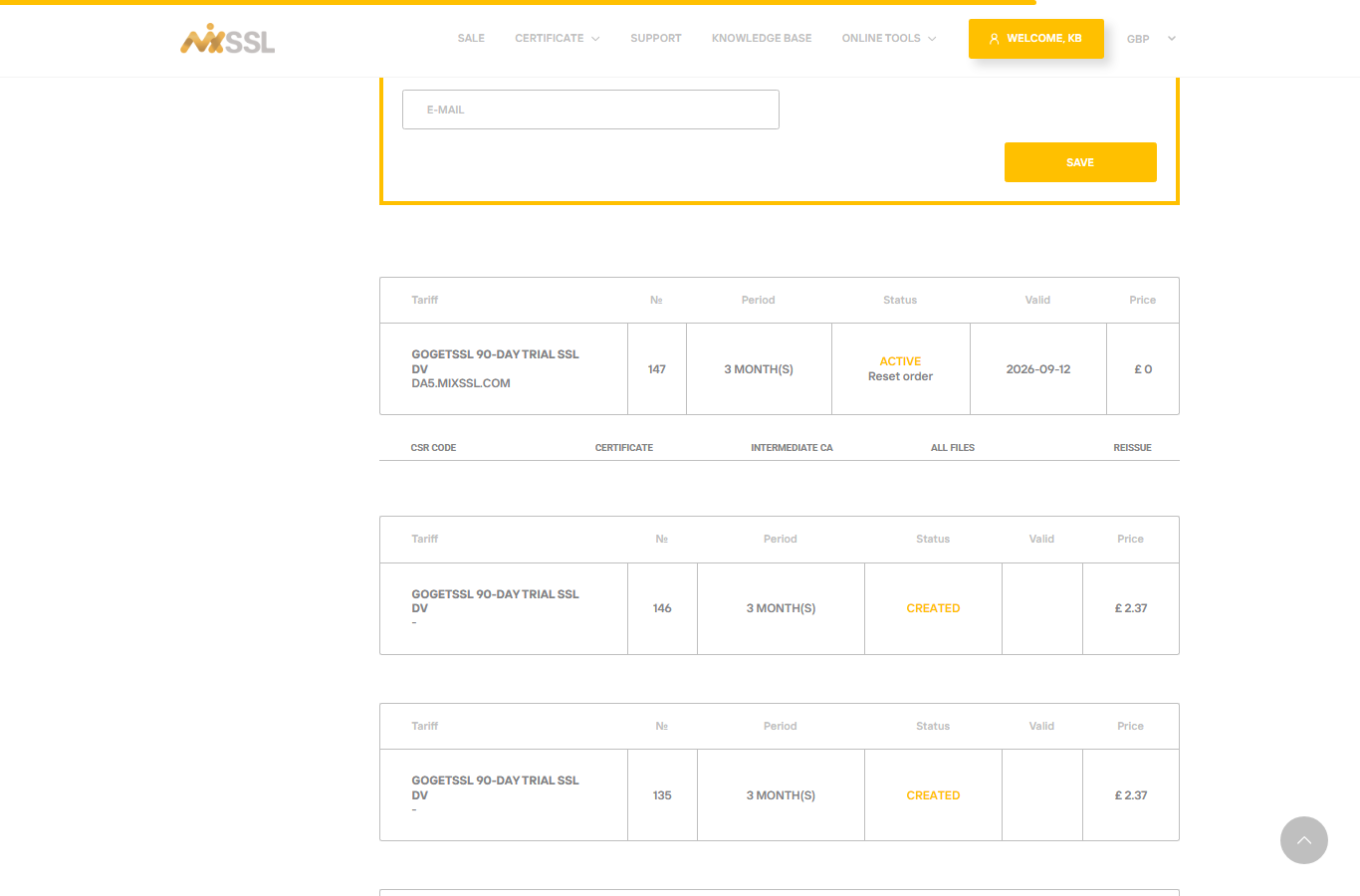
Download the Certificate, Intermediate CA, and All files links from /office when your order is Active.
Step 2 — Convert to PFX when needed
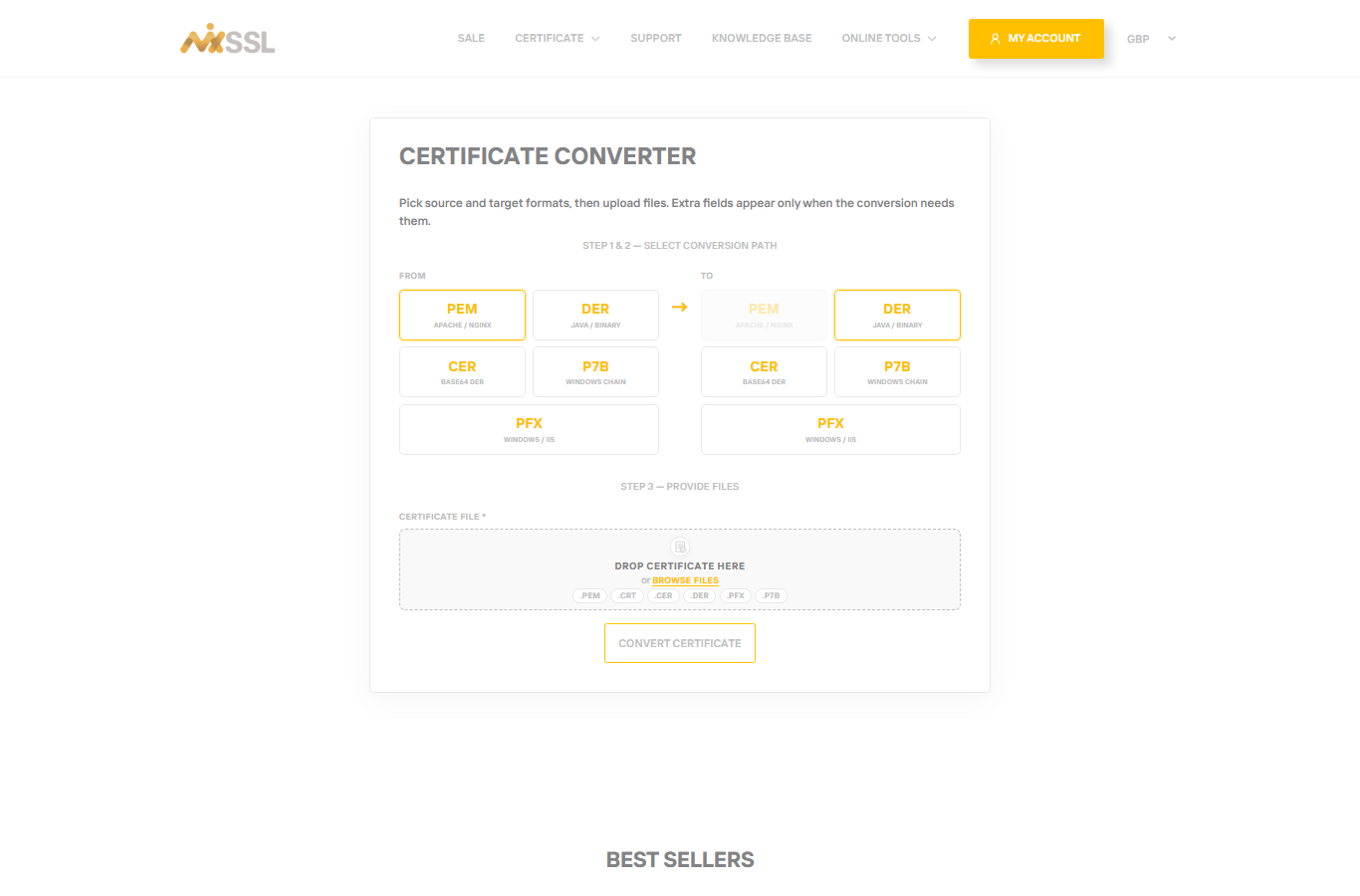
Open the free Certificate Converter on MixSSL. Paste your certificate, private key, and intermediate chain, choose PFX / PKCS#12 as the output format, and download the converted file.
Step 3 — Import in IIS
- Open IIS Manager → select the server → Server Certificates.
- Choose Import for a .pfx, or Complete Certificate Request if you submitted a CSR generated on the server.
- Bind HTTPS on your site: edit site bindings, add port 443, select the imported certificate.
- Browse to your site with HTTPS and confirm there are no certificate warnings.
Getting help
Managed Windows hosting often asks for certificate and key separately — follow the host’s SSL article. For MixSSL order questions, use the contact form on the website.