
On many Linux servers Apache uses mod_ssl with a virtual host entry. These steps assume you have certificate, chain, and private key files from MixSSL.
Before you start
- Files downloaded from your active order in /office.
- Root or sudo access to edit Apache configuration or a hosting panel upload wizard.
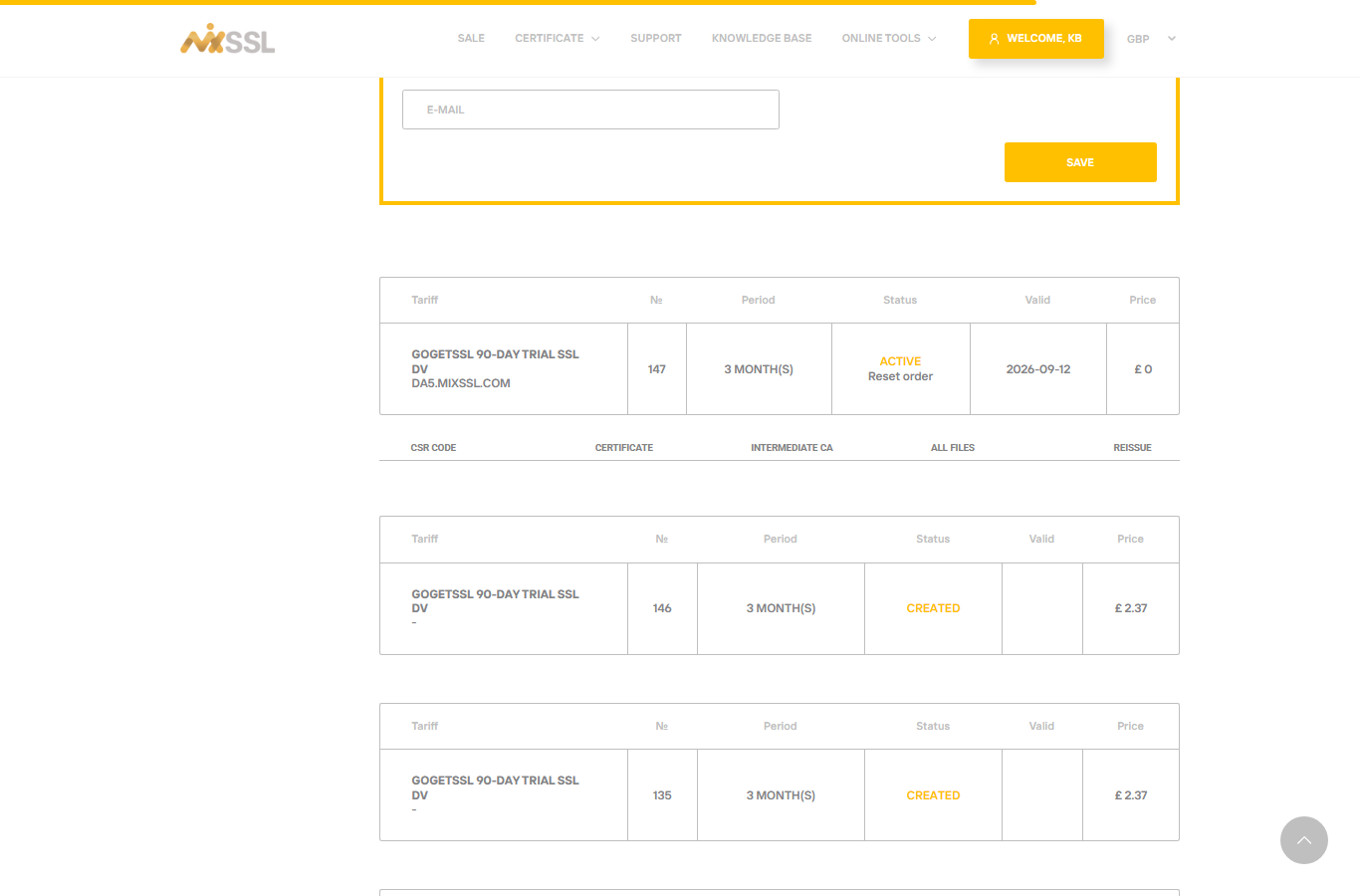
Step 1 — Download files from MixSSL
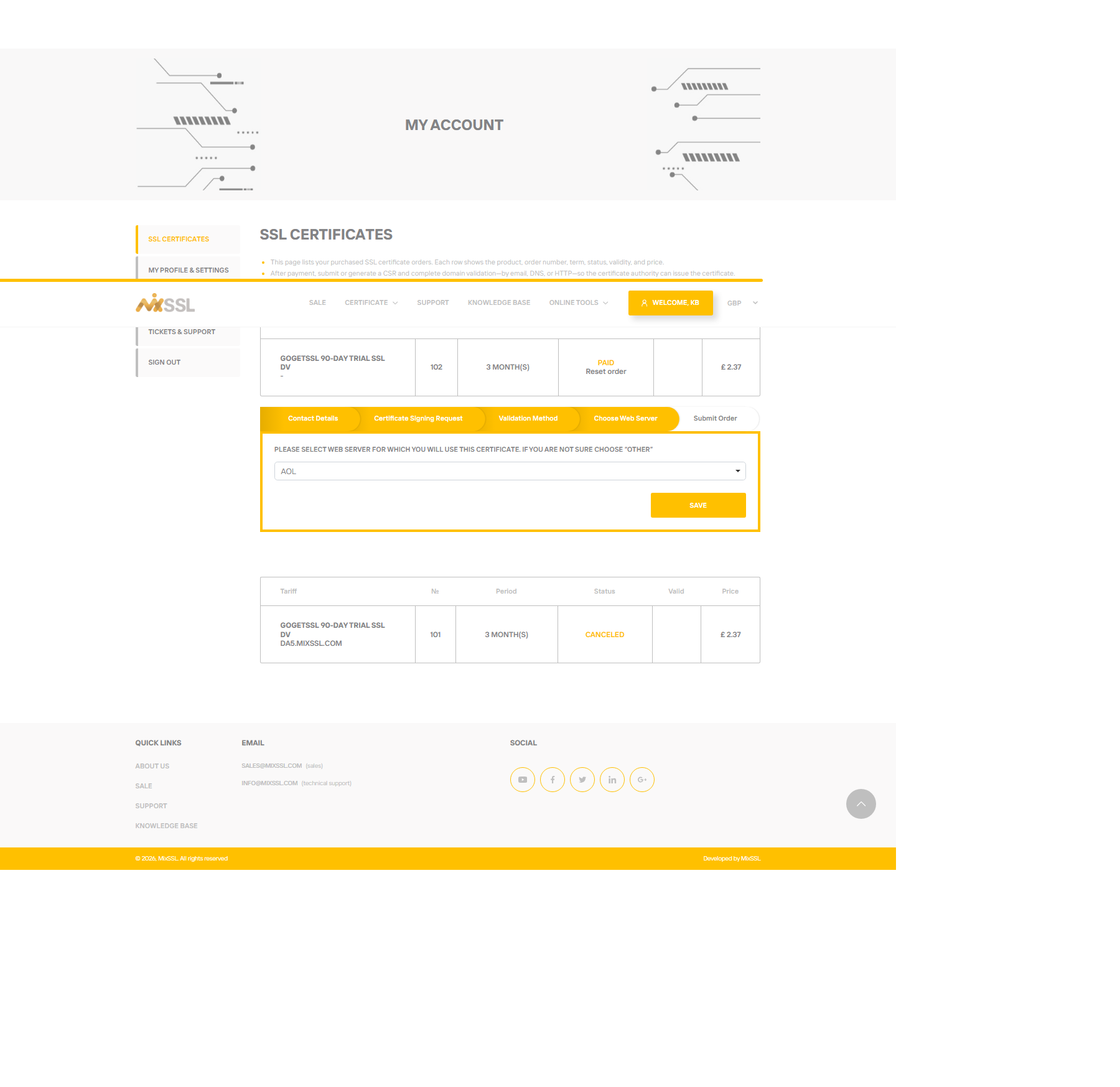
From /office, download the Certificate, Intermediate CA, and All files bundle. In the order wizard, select Apache as your web server when prompted so file formats match common mod_ssl layouts.
Step 2 — Map files to Apache directives
Typical mod_ssl settings (paths are examples — adjust to your layout):
SSLCertificateFile— Your domain certificate.SSLCertificateKeyFile— Your private key.SSLCertificateChainFileorSSLCACertificateFile— Intermediate certificates (wording depends on Apache version).
Step 3 — Install and reload
- Place the files in a directory readable only by root or the web user.
- Edit the SSL virtual host for your domain.
- Restart or reload Apache.
- Visit
https://your-domainand check the padlock.
Shared hosting often provides an “Upload certificate” wizard instead of editing config files—upload the certificate and chain when prompted, and paste or upload the private key in the separate key field.
Getting help
Questions about chain file format for your Apache version? Use the contact form on the MixSSL website.