
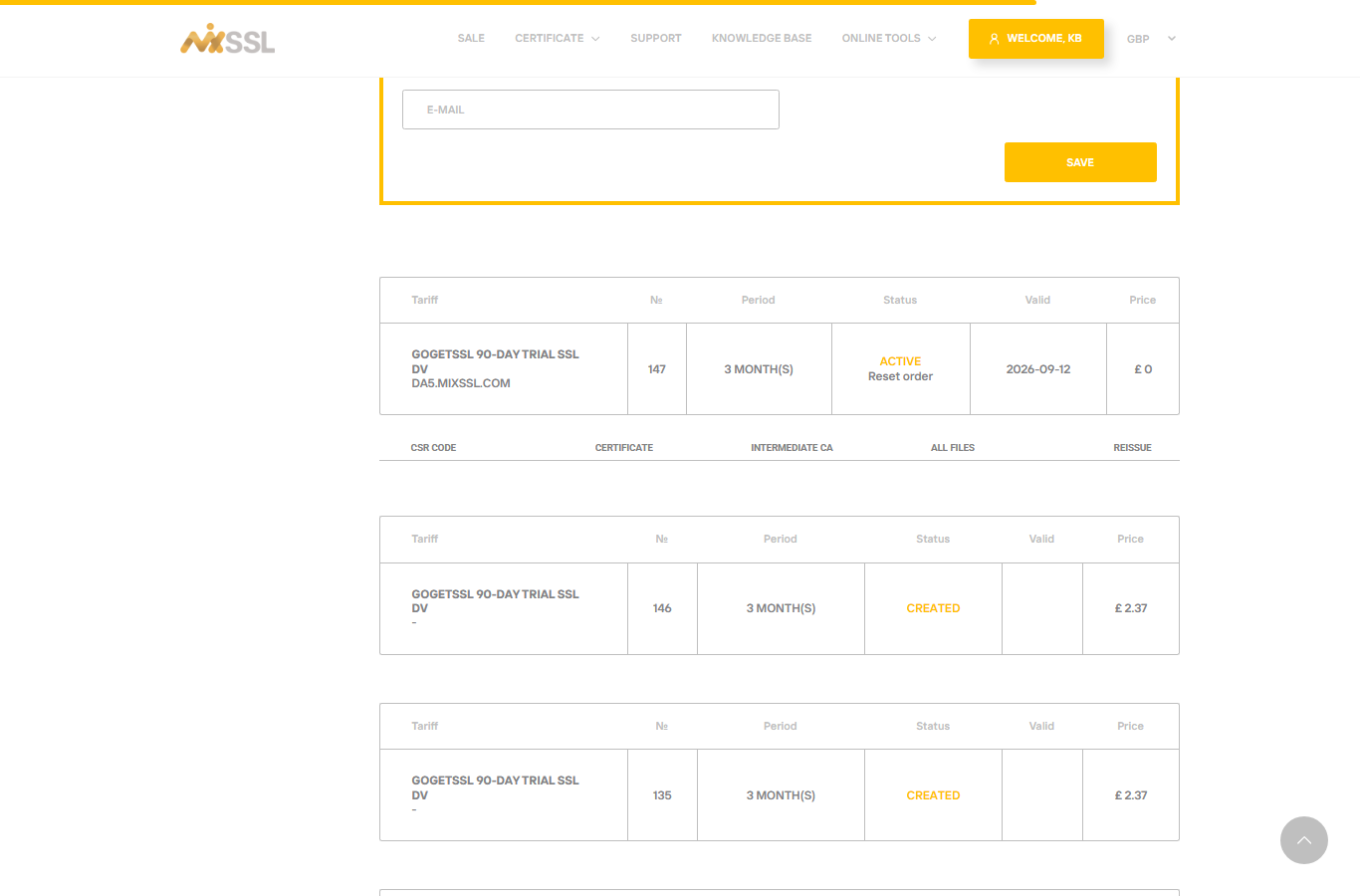
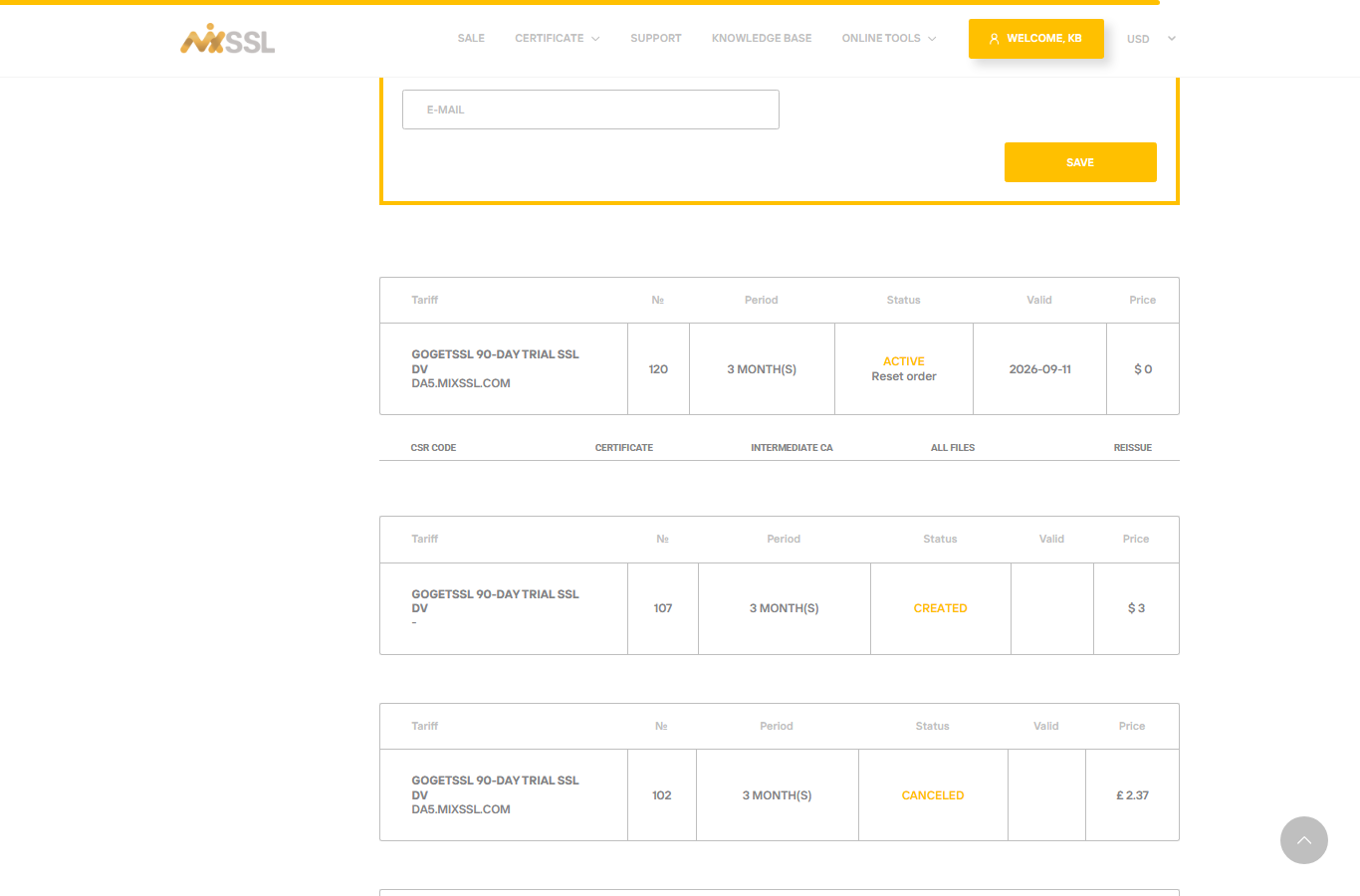
Every certificate has a fixed end date. Browsers show warnings after it expires, so plan ahead. Your MixSSL account shows validity dates on active orders and offers Reissue when the product allows it.
Renewal
Renewal means buying and installing a new certificate before or after the old one expires—often for the same domain. Many authorities now issue shorter-lived certificates (for example 90 days for some trial products), so renewal becomes a regular task.
On the product page and buy form, choose the term that matches how long you want the certificate to last. Put a calendar reminder two weeks before the Valid till date shown in your account.
Reissue
Reissue means the same order is used to get a fresh certificate because something changed—for example you moved servers, lost the private key, or need a new CSR. On MixSSL, active orders may offer a Reissue action when the product allows it.
After installing a new certificate
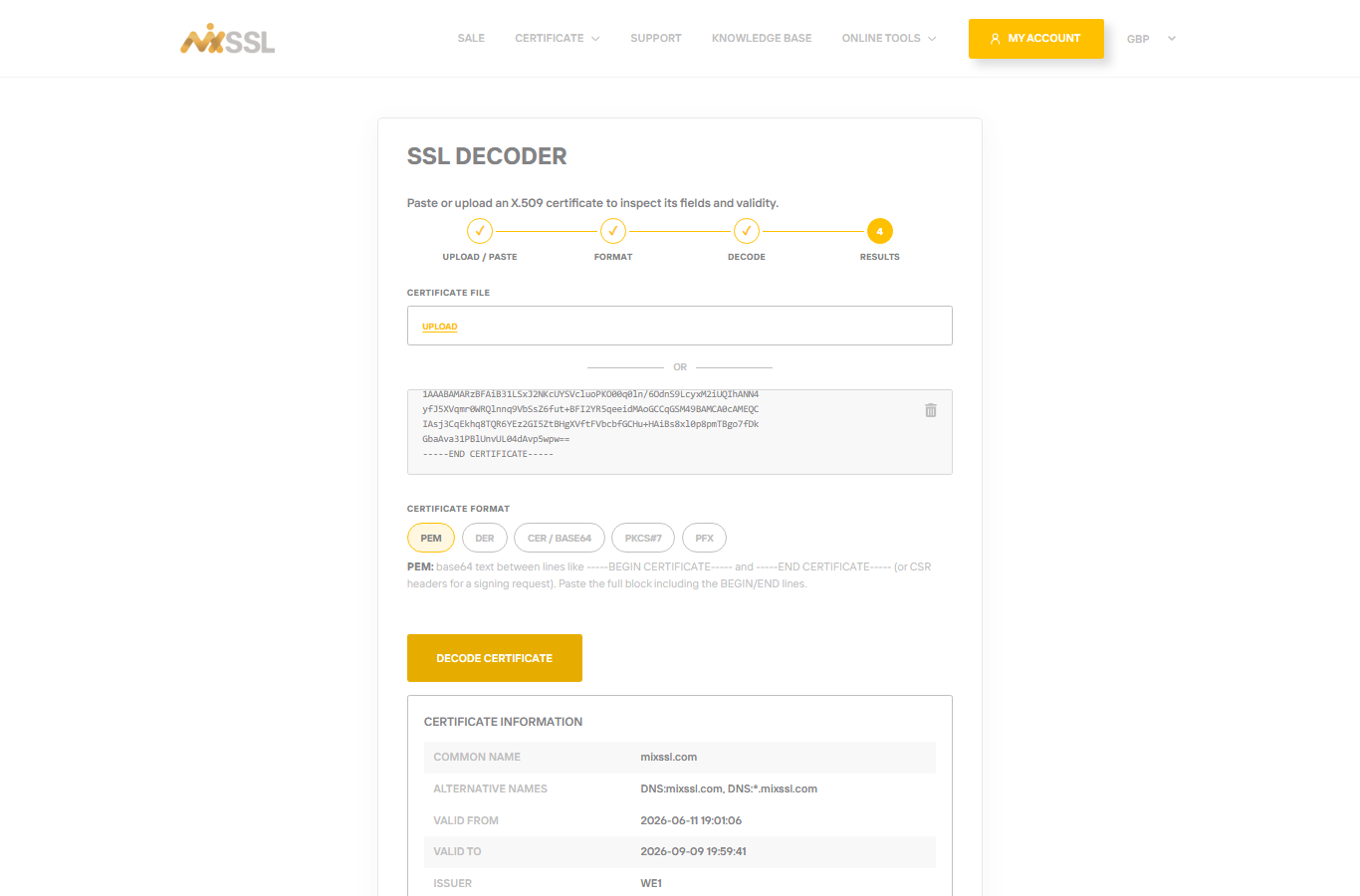
Always test HTTPS in a browser and confirm the padlock shows the correct domain name. Our knowledge articles on installation and verification walk you through those checks step by step.
Getting help
Questions about renewal timing or reissue eligibility? Use the contact form on the MixSSL website.