
Setting up HTTPS involves four ideas that sound technical but are easy to separate. MixSSL provides free tools on the public site to generate a CSR, decode files, and download issued certificates from your account.
Private key — keep it secret
The private key is created on your server or in the MixSSL CSR Generator. You must keep this secret. Anyone with the key can impersonate your site. MixSSL never stores your private key.
CSR (Certificate Signing Request)
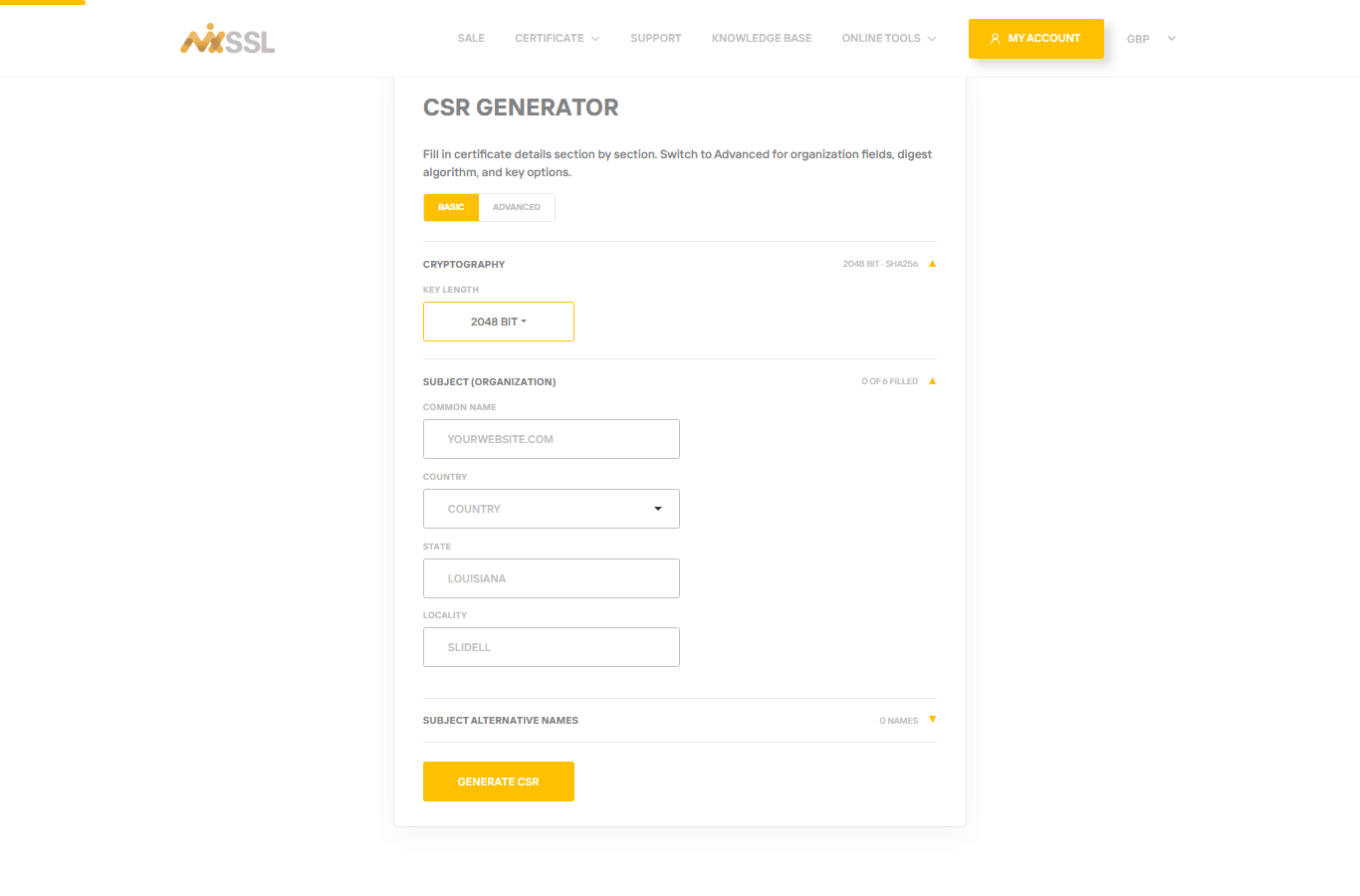
A CSR is a short request file you send when ordering. It contains your domain name and public key, not the secret key. Generate it on your server with OpenSSL or use the free CSR Generator on MixSSL.
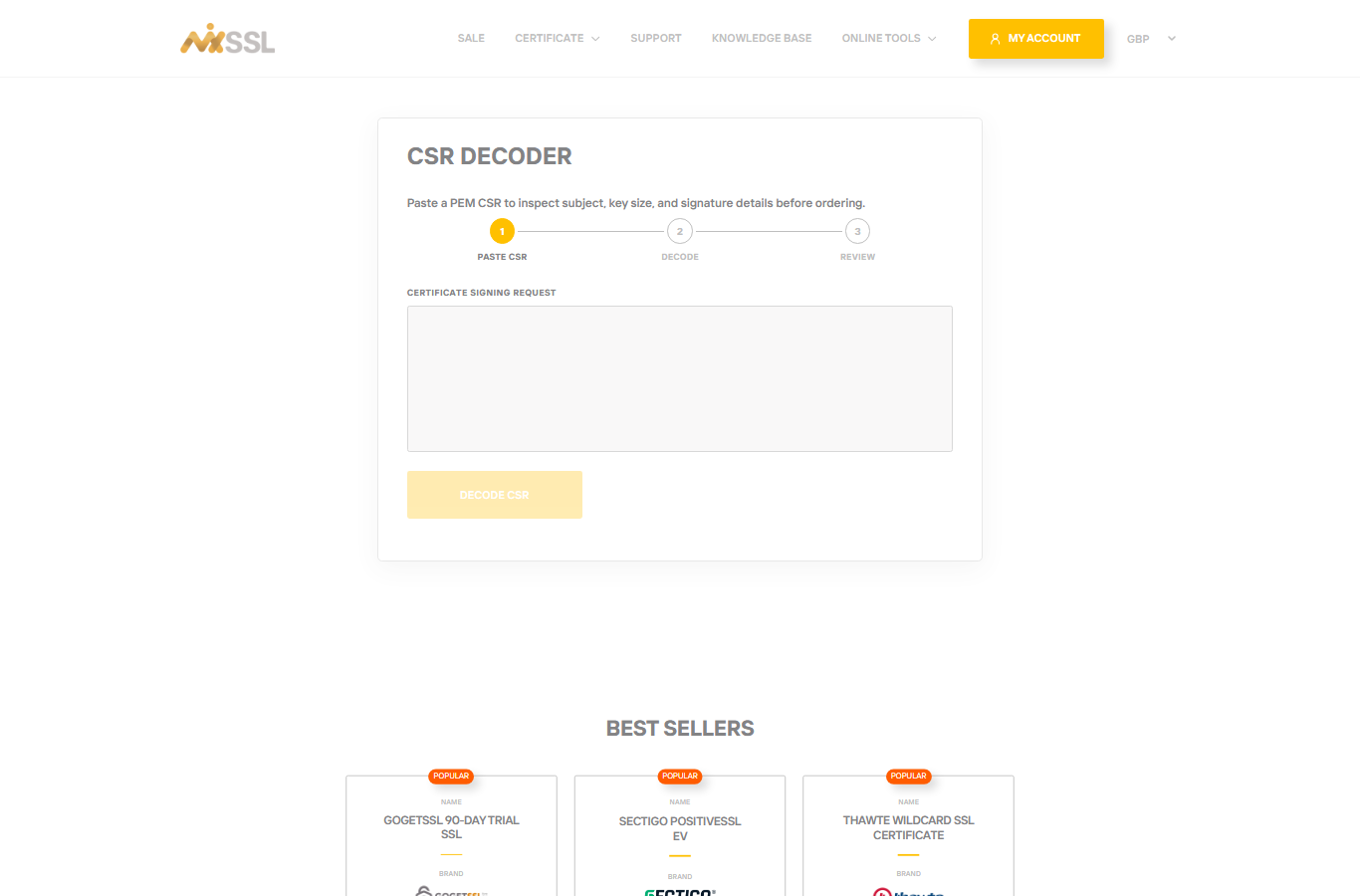
Use the CSR Decoder to inspect a CSR before you paste it into an order.
Certificate (CRT)
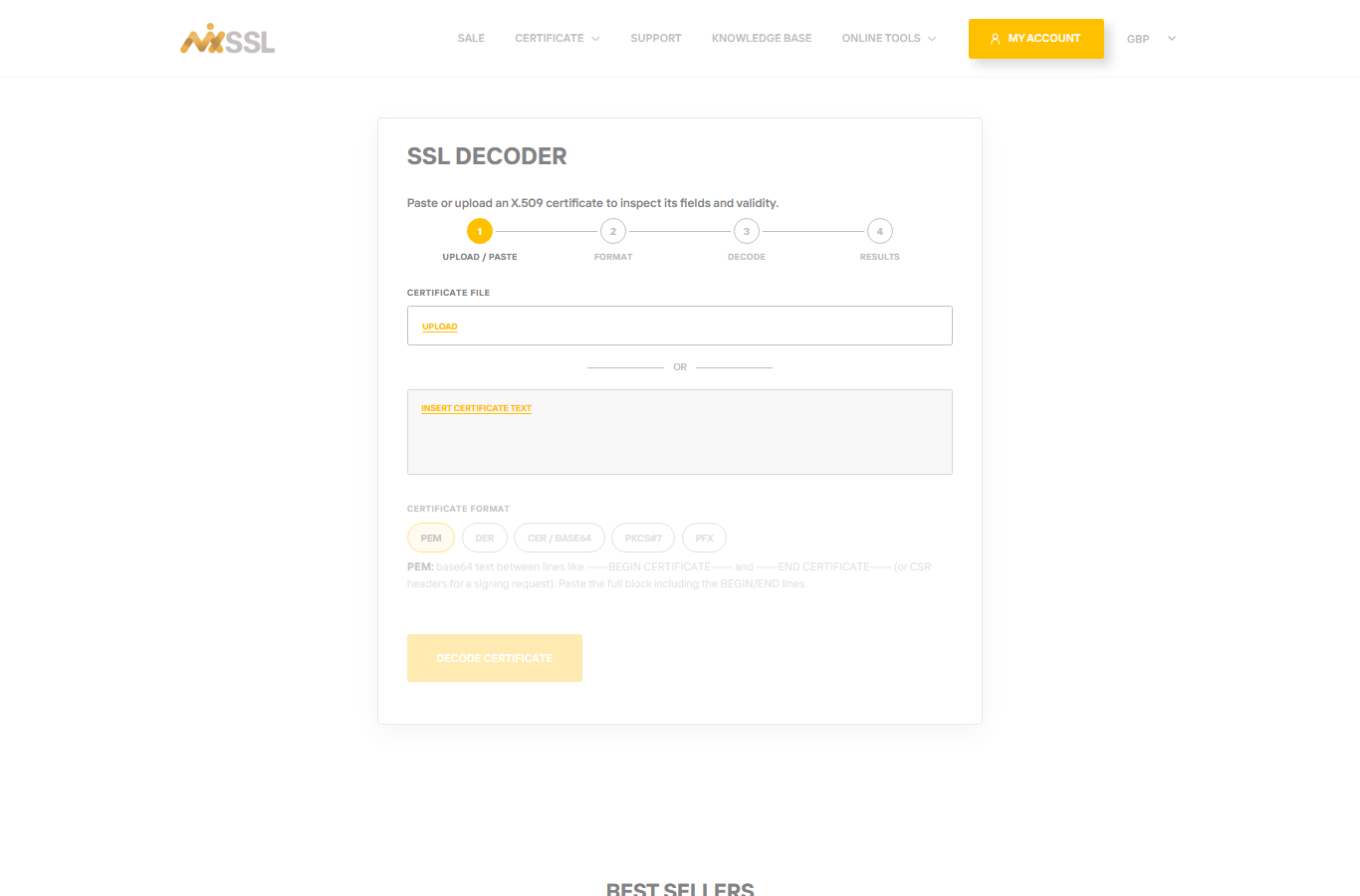
After validation, the authority issues your certificate file. Install it on the web server together with your private key. Use the free SSL Decoder to check expiry and domain names on any certificate file.
Intermediate / CA chain
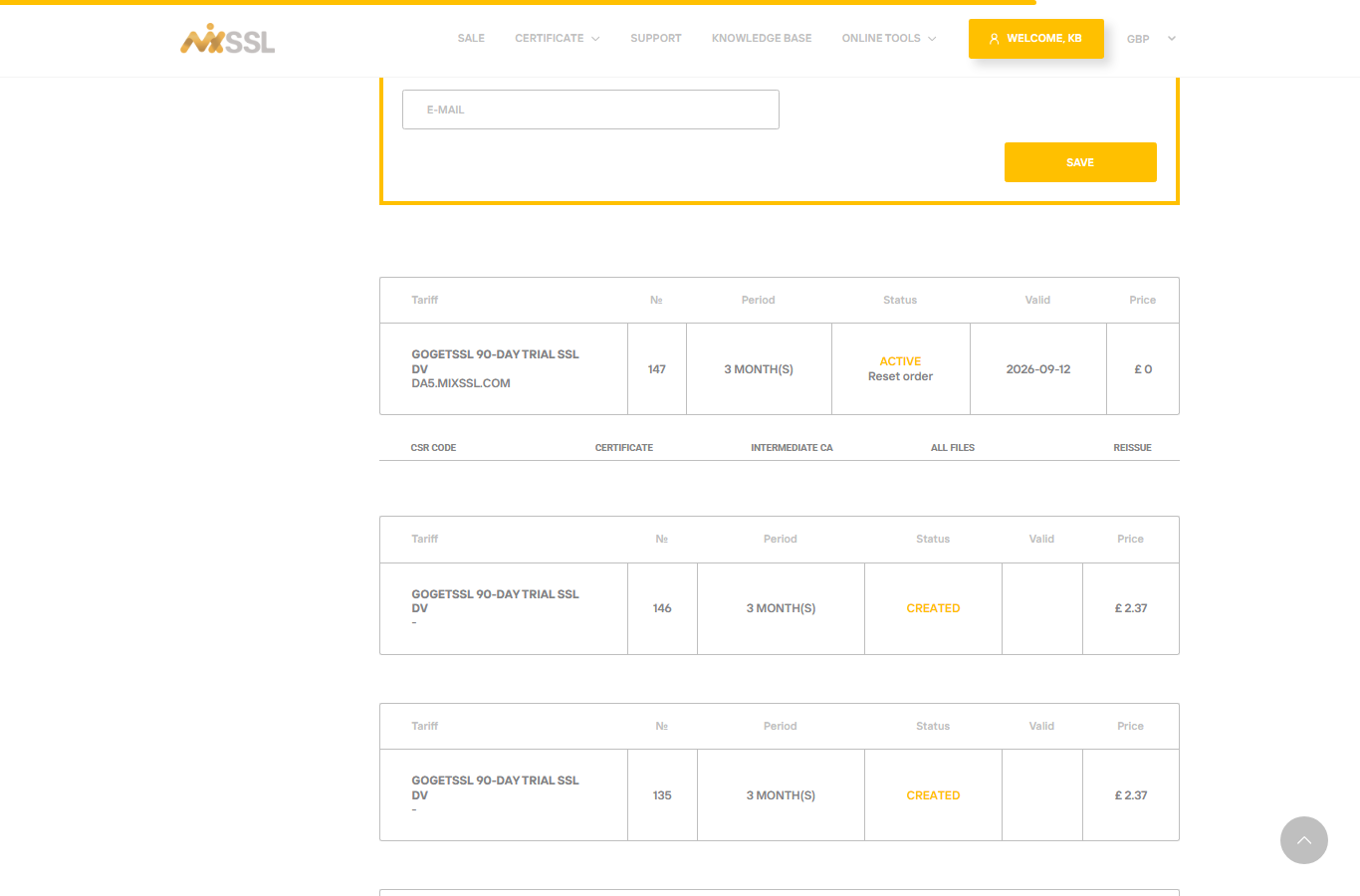
Browsers trust your certificate only when intermediate “chain” files link it to a root authority. Without the chain, visitors may see warnings even when your certificate is valid. After issuance, download the Intermediate CA and All files links from your account.
Getting help
Questions about CSR format or file types? Use the contact form on the MixSSL website.